WooCommerce Bulk Variations Tutorials
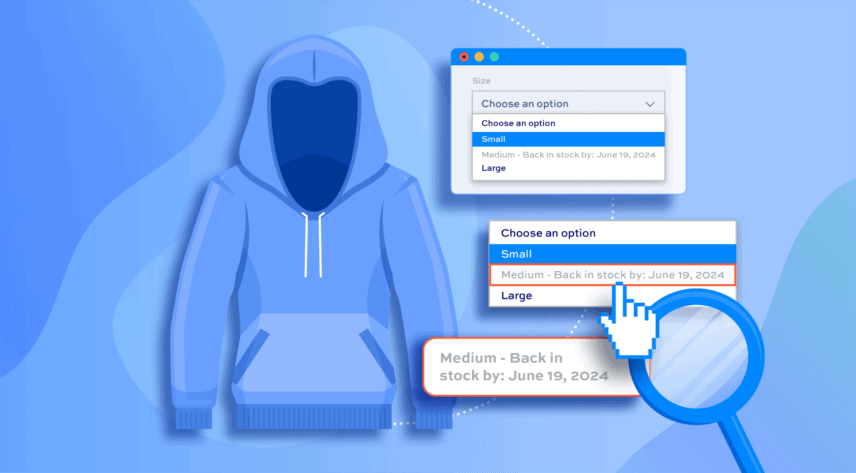
These tutorials show you how to use WooCommerce Bulk Variations to disable, gray out, style and sort sold-out and out-of-stock variations. They cover bulk order forms, showing variations as single products and fixing variations that don’t appear.
Start with these guides:
How to create bulk variations forms in WooCommerce
How to show variations as single products in WooCommerce
How to create a WooCommerce price matrix
How to fix variations not showing in WooCommerce
Each tutorial walks through a working example that you can adapt to your own store. For installation steps and troubleshooting, see the Bulk Variations documentation.