This page serves as an introduction to the different field types available in WooCommerce Product Add-Ons Ultimate, with a brief description of each and links to more detailed information. There’s also some information on key features like pricing and field options.
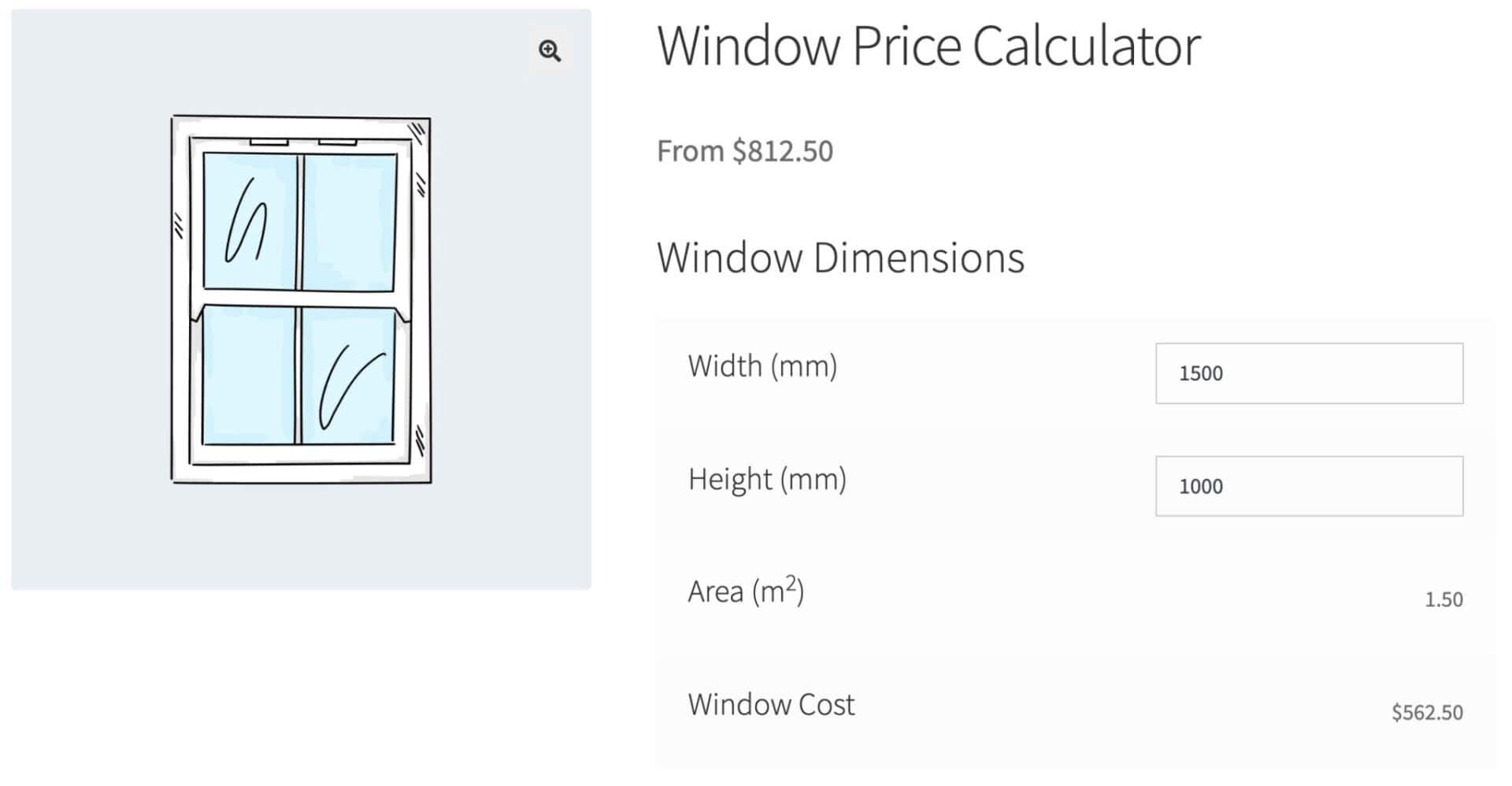
Calculation fields
Calculation fields allow you to make calculations using formulas based on the value of other fields. Find out more about calculation fields here.
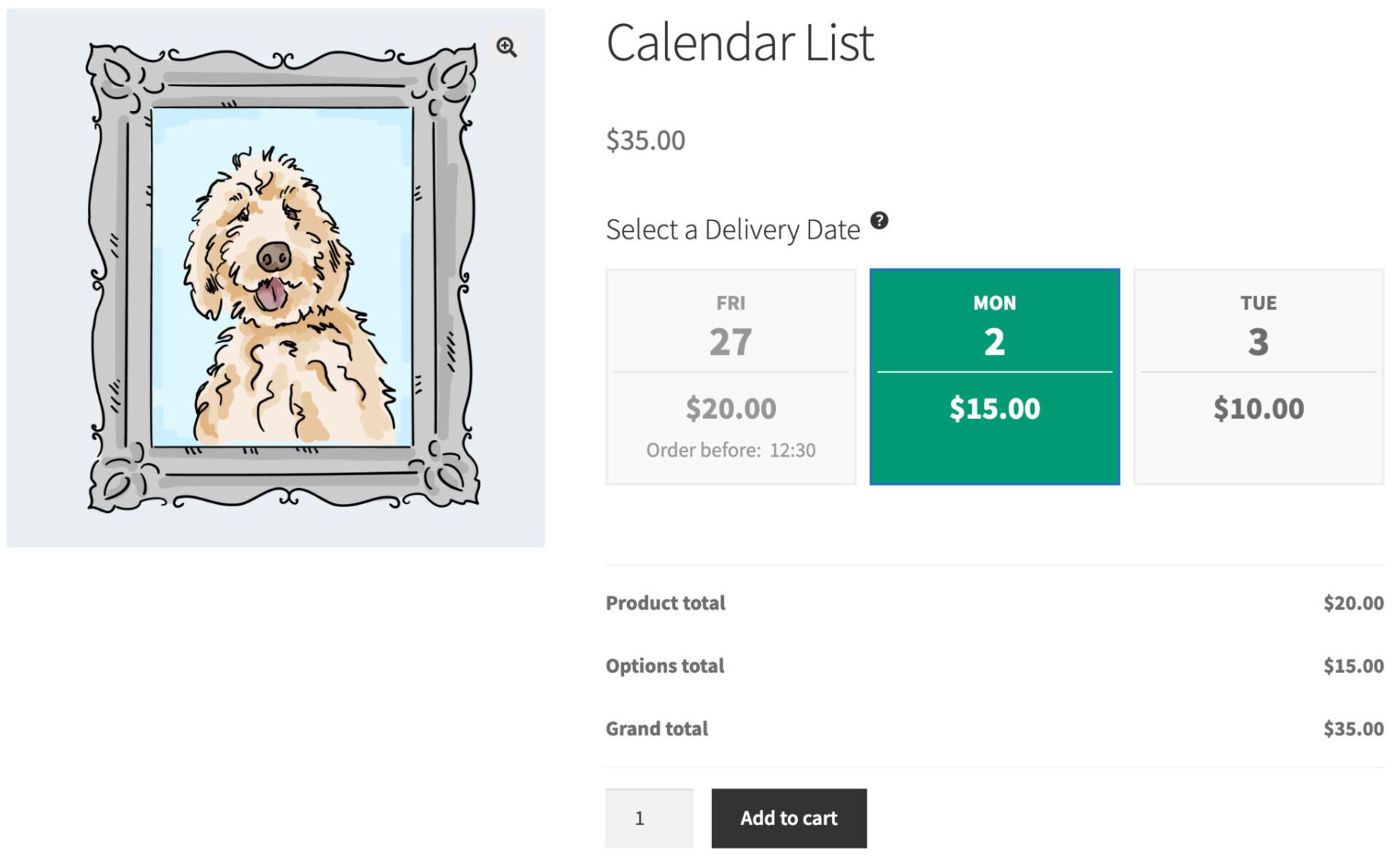
Calendar lists
Calendar lists allow you to present the user with a limited choice of dates, e.g. for selecting delivery dates. Find out more about calendar list fields here.
Checkbox
Checkbox fields allow you to add a checkbox input field to your WooCommerce product. Find out more about checkbox fields here.

Checkbox Group
Checkbox Group fields allow you to add a group of checkbox input fields to your WooCommerce product. Find out more about checkbox groups here.

Color Picker
Display a color picker field that will allow the user to select a HEX colour value from a graphic color palette. Find out more about color picker fields here.

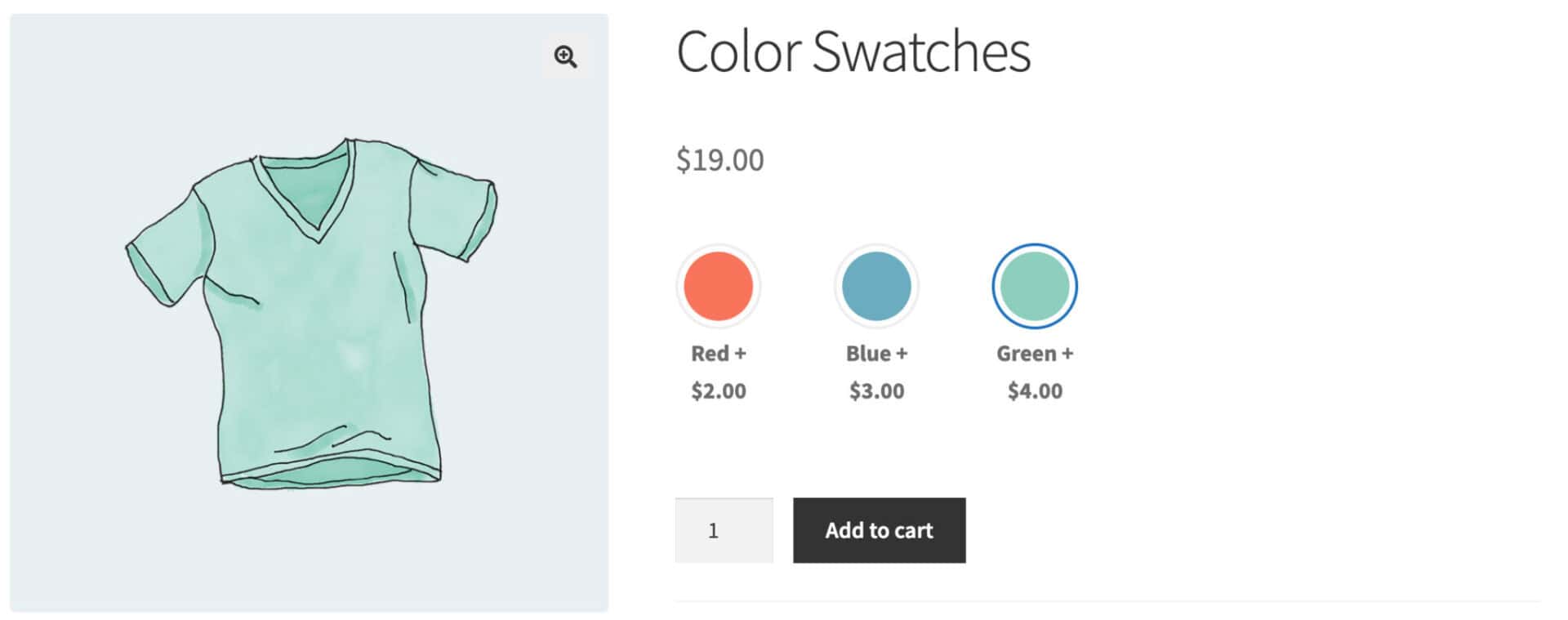
Color Swatches
Color swatch fields allow you to display colors as options on your WooCommerce product. Find out more about colr swatches here.
Date
Date fields allow you to add datepicker input fields to your WooCommerce product. Find out more about datepickers fields here.
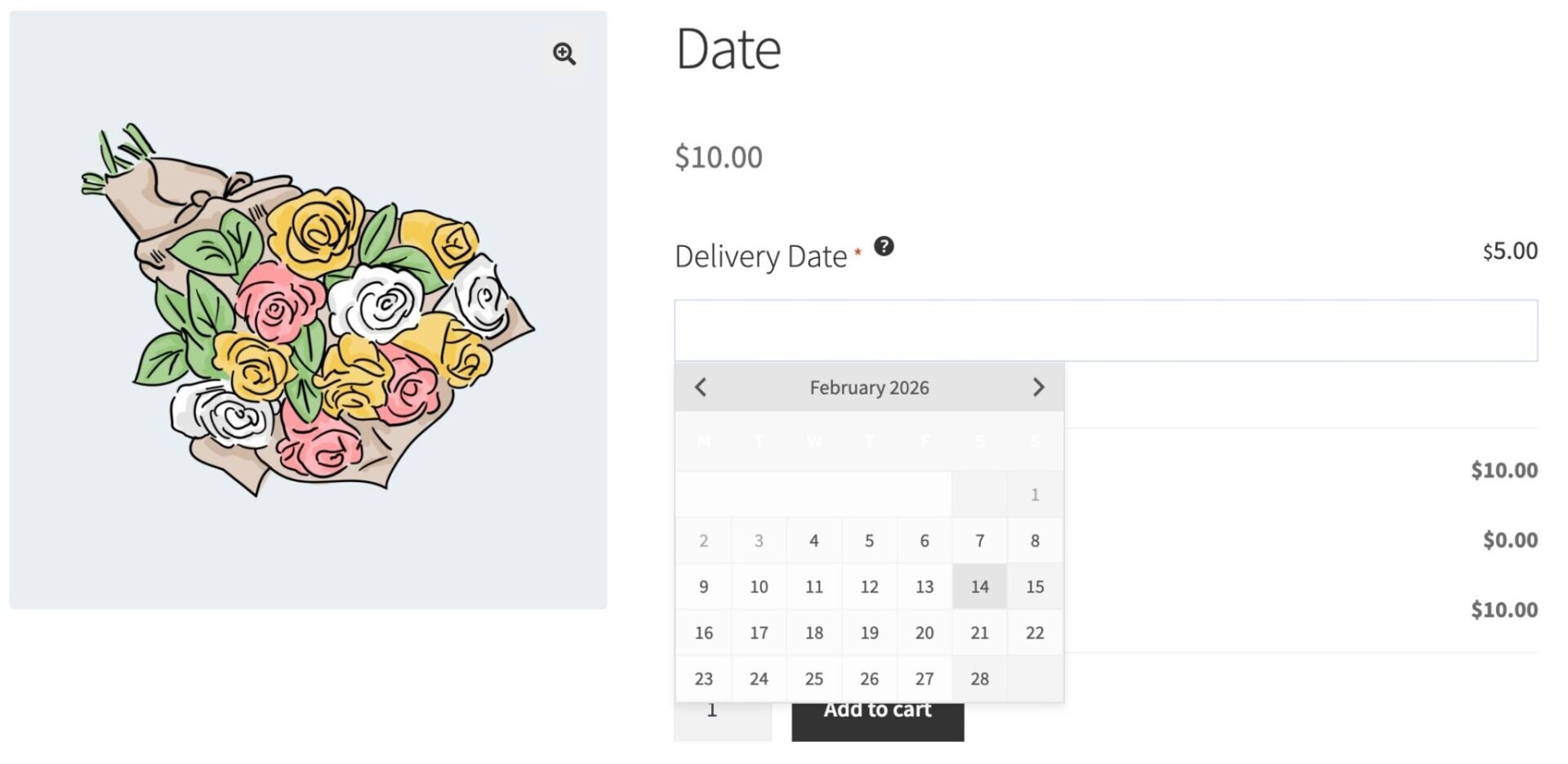
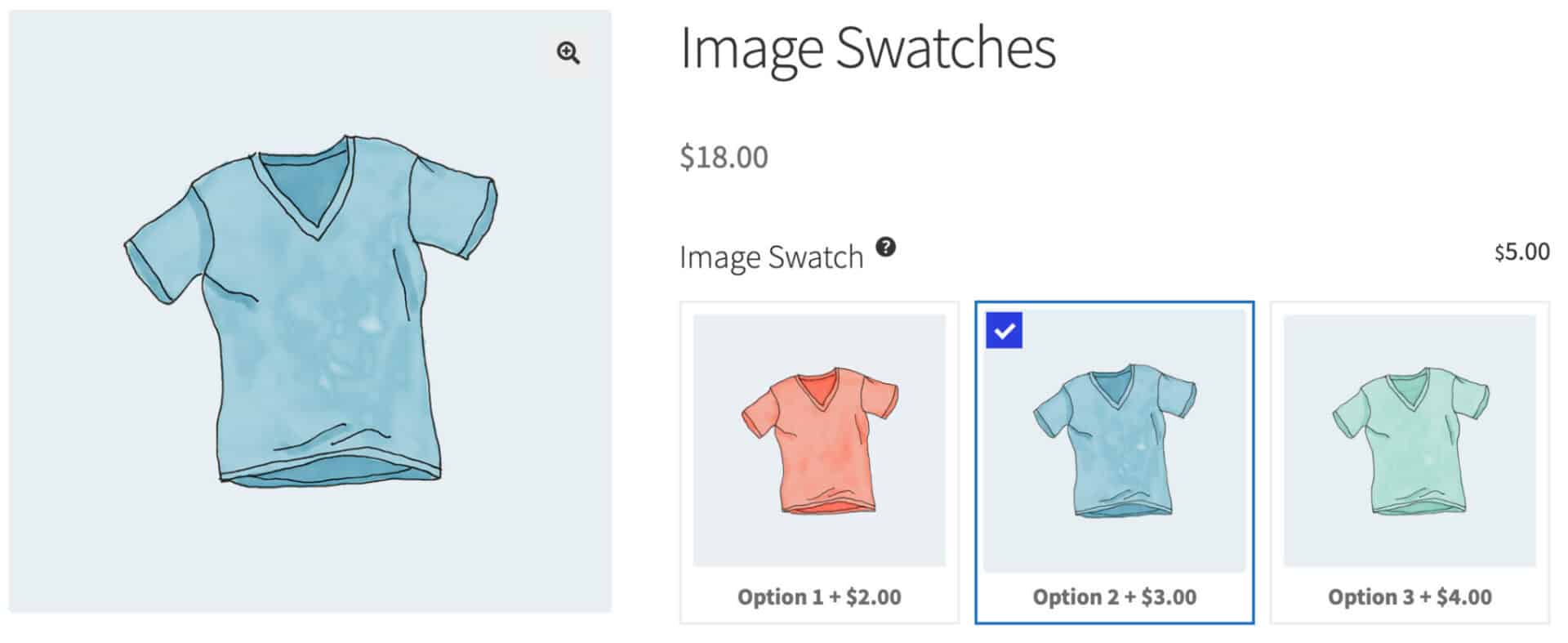
Image Swatches
Image swatch fields allow you to add image swatches to your WooCommerce product. Find out more about image swatches here.
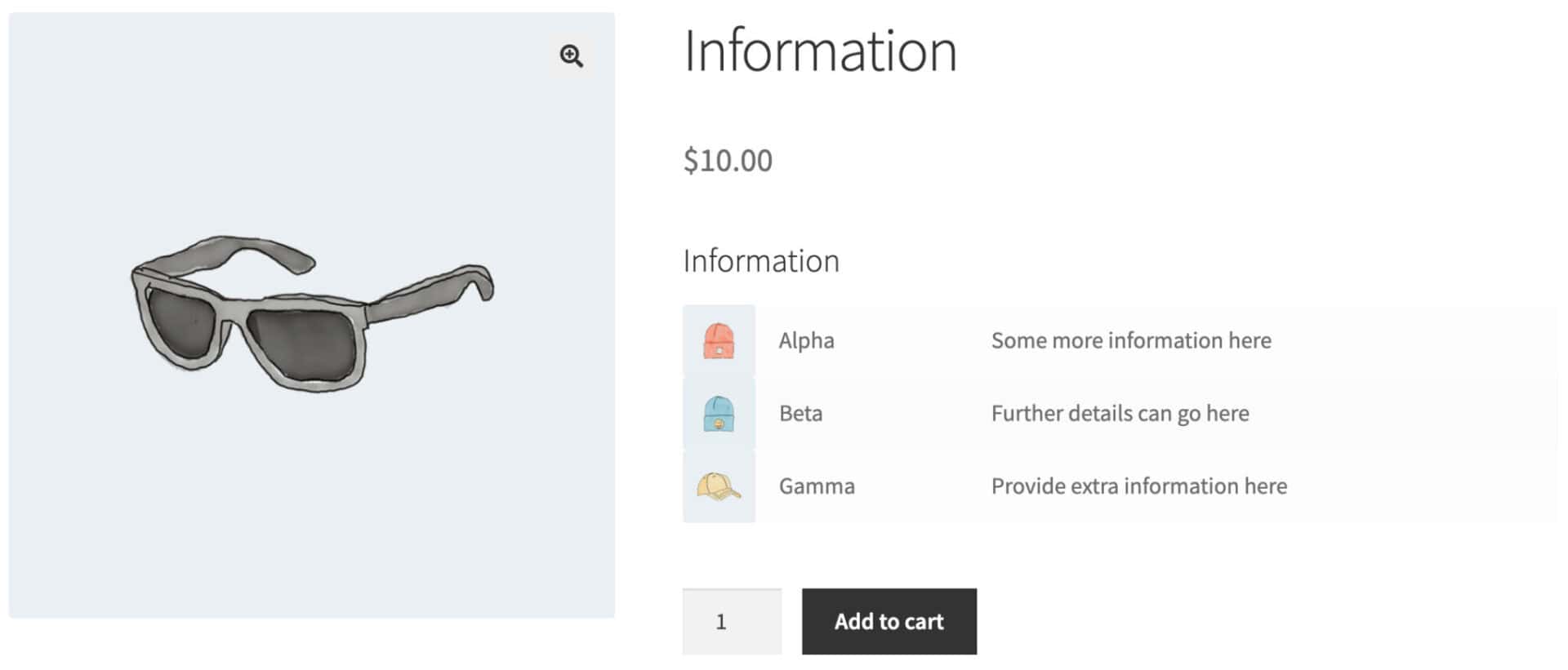
Information
Information fields are used to provide further details about a product or field. Find out more about information fields here.
Name Your Price
Name your price fields allow you to add number input fields to your WooCommerce product so that the user can specify their own price for a field or product. Find out more about name your price fields here.

Number
Number fields allow you to add number input fields to your WooCommerce product. Find out more about number fields here.

Number Range Slider
You can choose to display number input fields graphically as range sliders. Find out more about range sliders here.

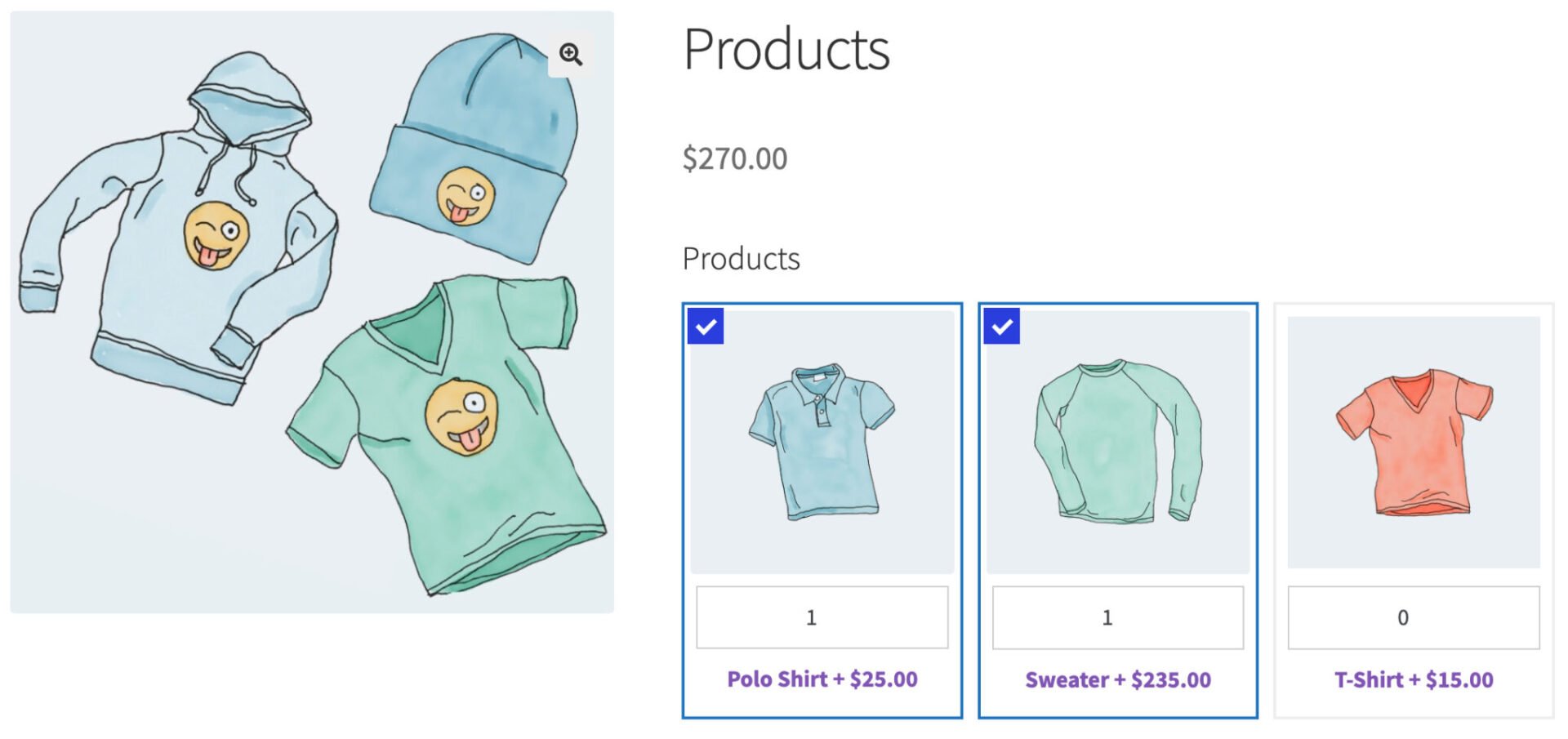
Products
Product fields allow you to use other products as extra fields in your WooCommerce product. Find out more.
Product Categories
Product Categories fields have the same features as Products fields – but you can define which products are displayed by specifying categories. Find out more.
Radio Group
Radio group fields allow you to add radio group fields to your WooCommerce product. Find out more about radio group add-on fields.

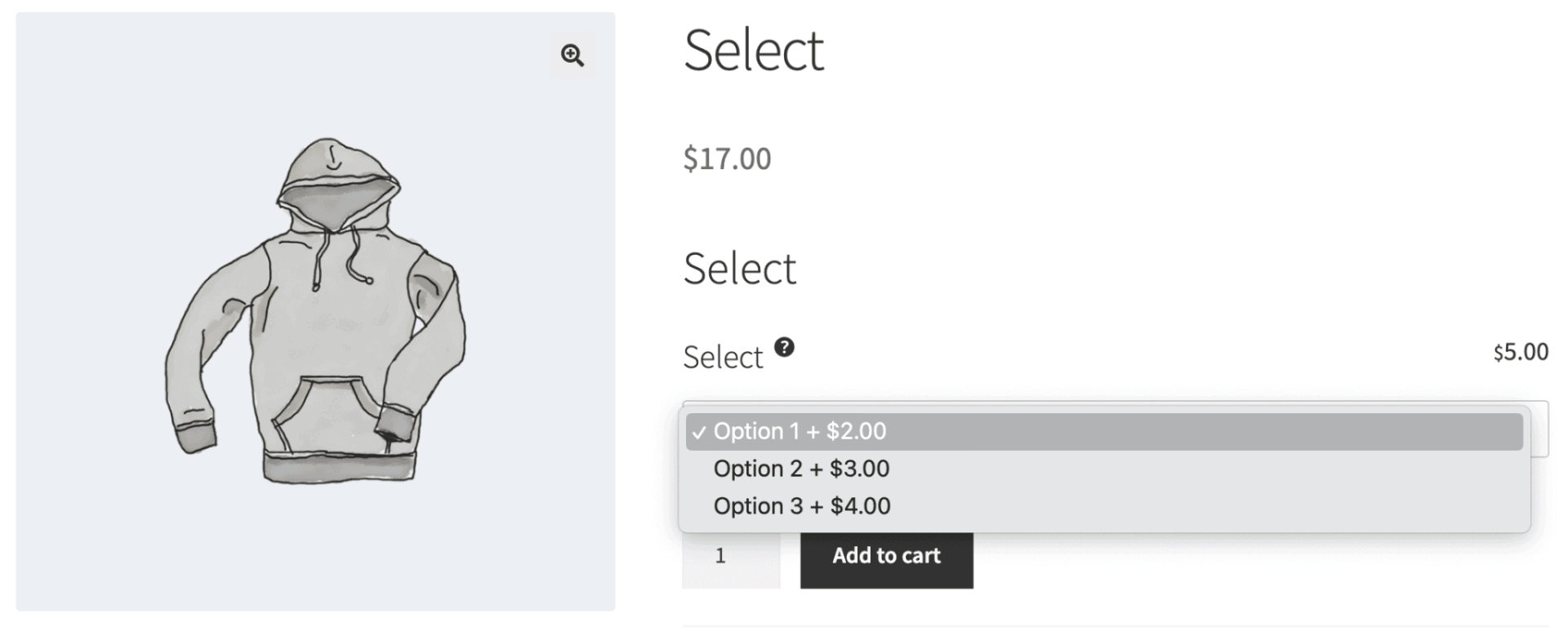
Select
Select fields allow you to add select fields (dropdown lists) to your WooCommerce product. Find out more about select fields.
Select Box
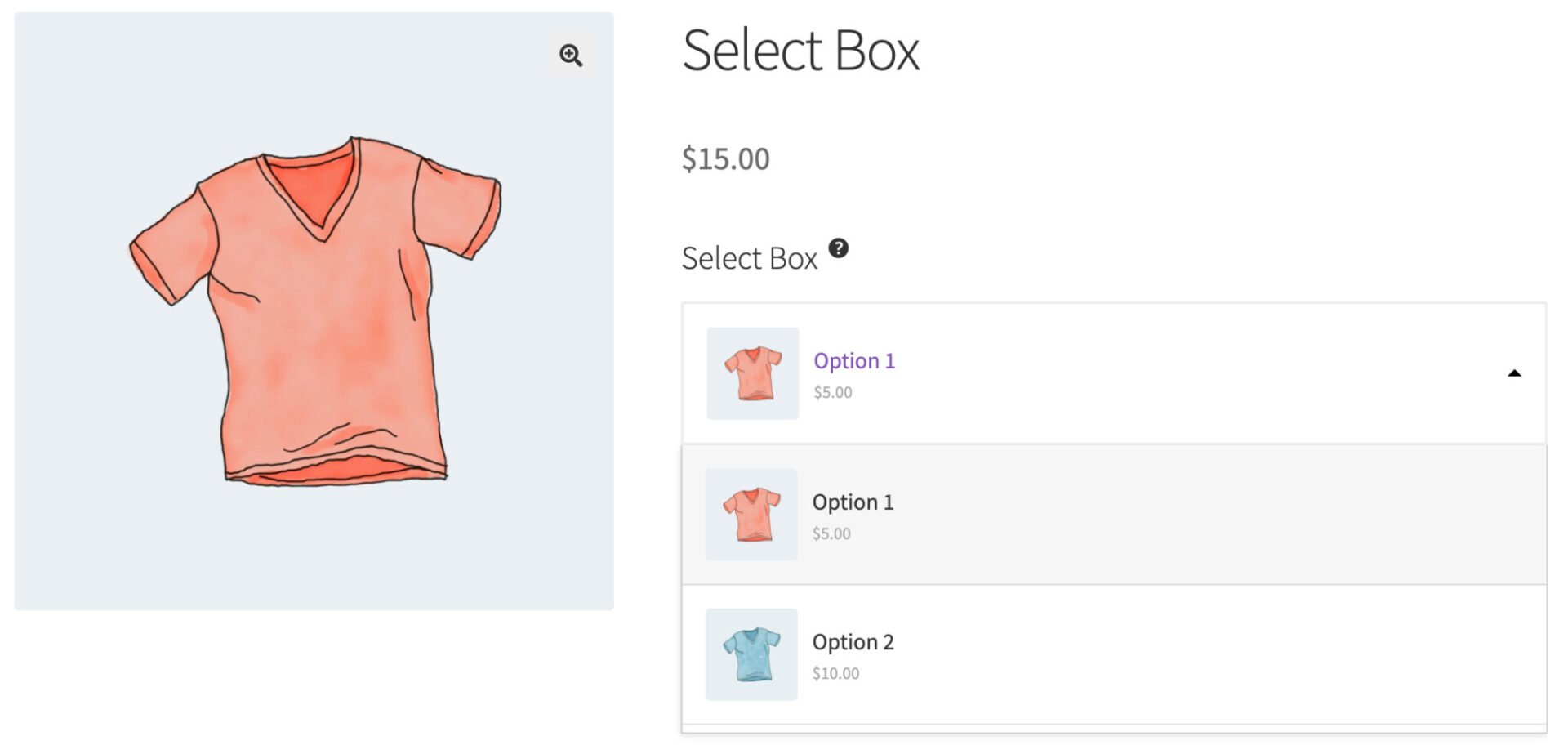
Select Box fields are enhanced versions of select fields, where you can add thumbnail images and short descriptions to each item. Users can make a single selection. Find out more about select box fields.
Text
Text fields allow you to add text input fields to your WooCommerce product. Find out more about text fields here.

Textarea
Textarea fields allow you to add textarea fields to your WooCommerce product. Find out more about textarea fields here.

Text Swatches
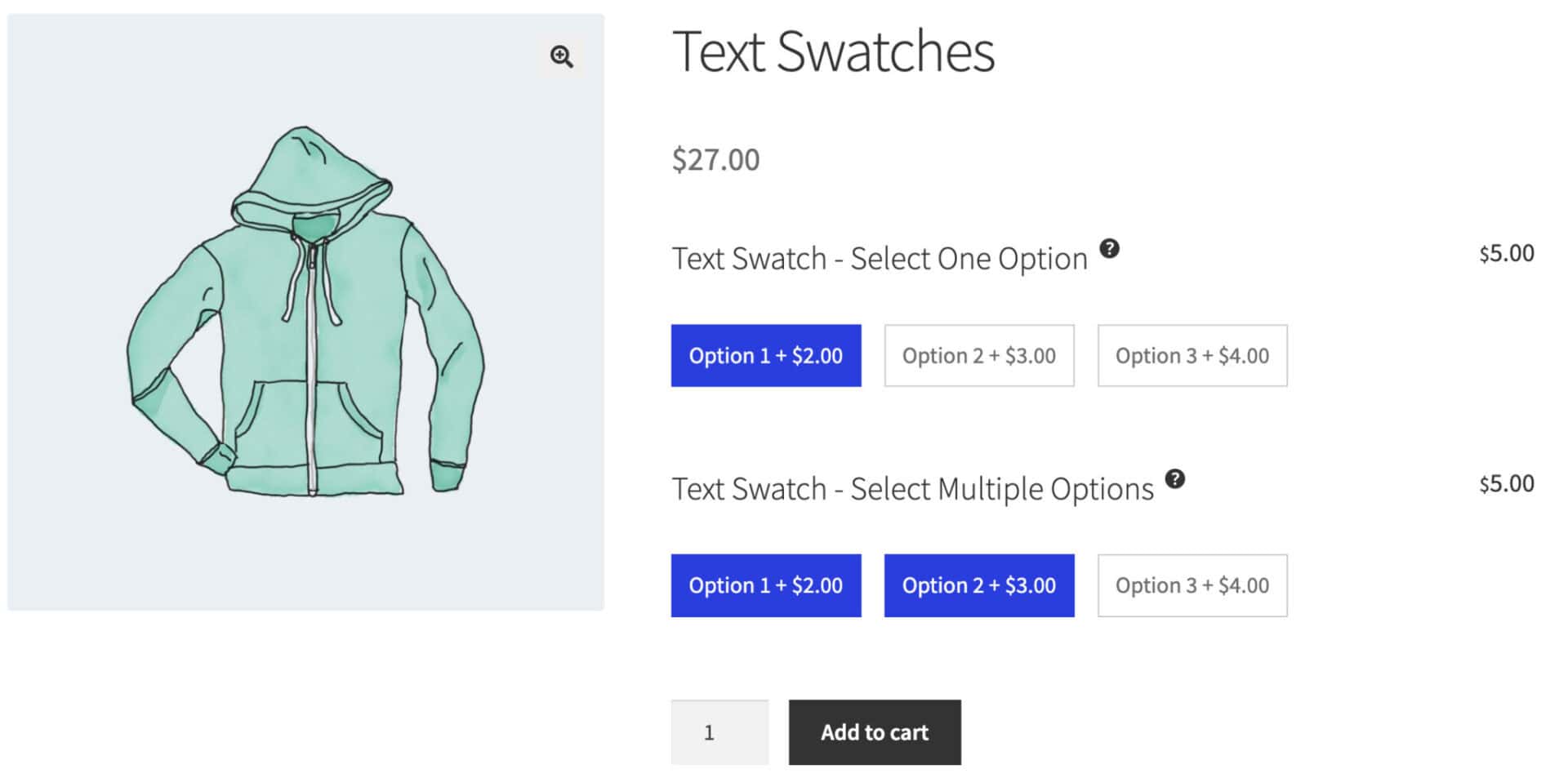
Text Swatches allow you to present radio buttons or checkboxes as text buttons. Find out more about text swatches.
Upload
Upload fields allow you to add upload fields to your WooCommerce product. Find out more about upload fields here.

Add-on field settings and parameters
Fields can be added to individual products or to multiple products (globally). Each field has a number of common parameters, e.g. ‘Field Label’, ‘Field Type’, etc, and many fields have parameters that are specific to them.
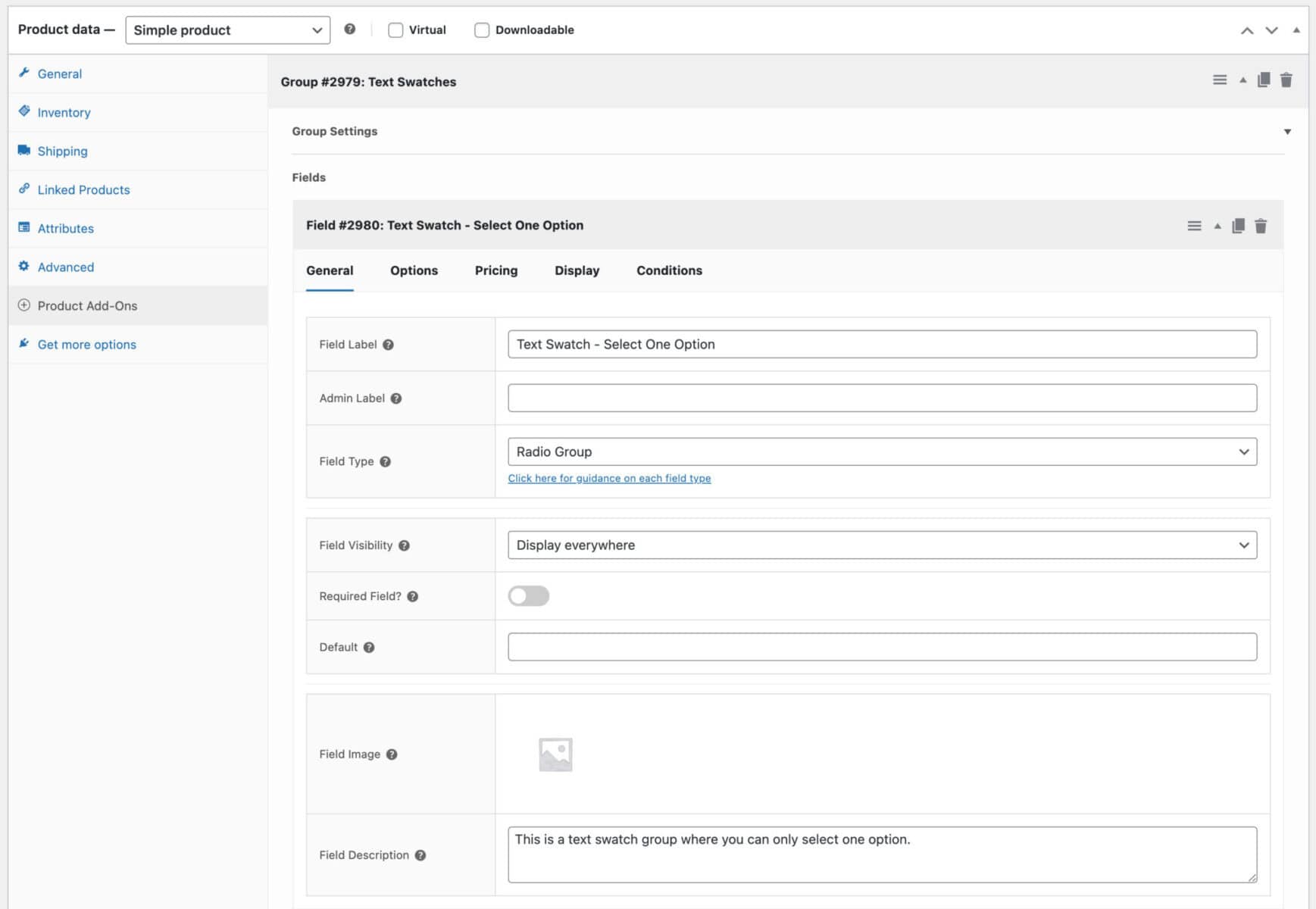
Settings are arranged in tabs for the sake of neatness and speed. For more information on field settings, see this article.
See individual field pages for more information about the settings available for that field.