WooCommerce Product Add-Ons Ultimate - custom fields and options plugin
Customize products with extra fields and options
The #1 WooCommerce product add-ons plugin. Easy to use and great support - plus advanced features like conditional logic
From $79.00





Increase order value by selling configurable products: WooCommerce Product Add-Ons Ultimate lets you add custom fields, pricing and conditional logic to product pages easily so your customers can personalize your products.
More choice for your customers - less work for you
- Collect exactly what you need from customers: 20+ field types including file uploads, dropdowns, checkboxes and more
- Users can upload images, enter custom text, select options, pick swatches and configure products
- Save time by applying options to one product, multiple products or all products
- Works seamlessly with your existing setup, whatever theme or page builder you use
Charge the right price, every time
- Automatically update the product price based on whichever options the customer chooses
- Adjust prices any way you need - increase, decrease, flat fee, percentage, formulas or lookup tables
- Handle even the most complex pricing schemes without custom code
Achieve more with advanced features
- Make the buying experience faster with conditional logic to show or hide fields based on what the customer has already selected
- Turn any existing product into a selectable option, with full inventory and pricing intact
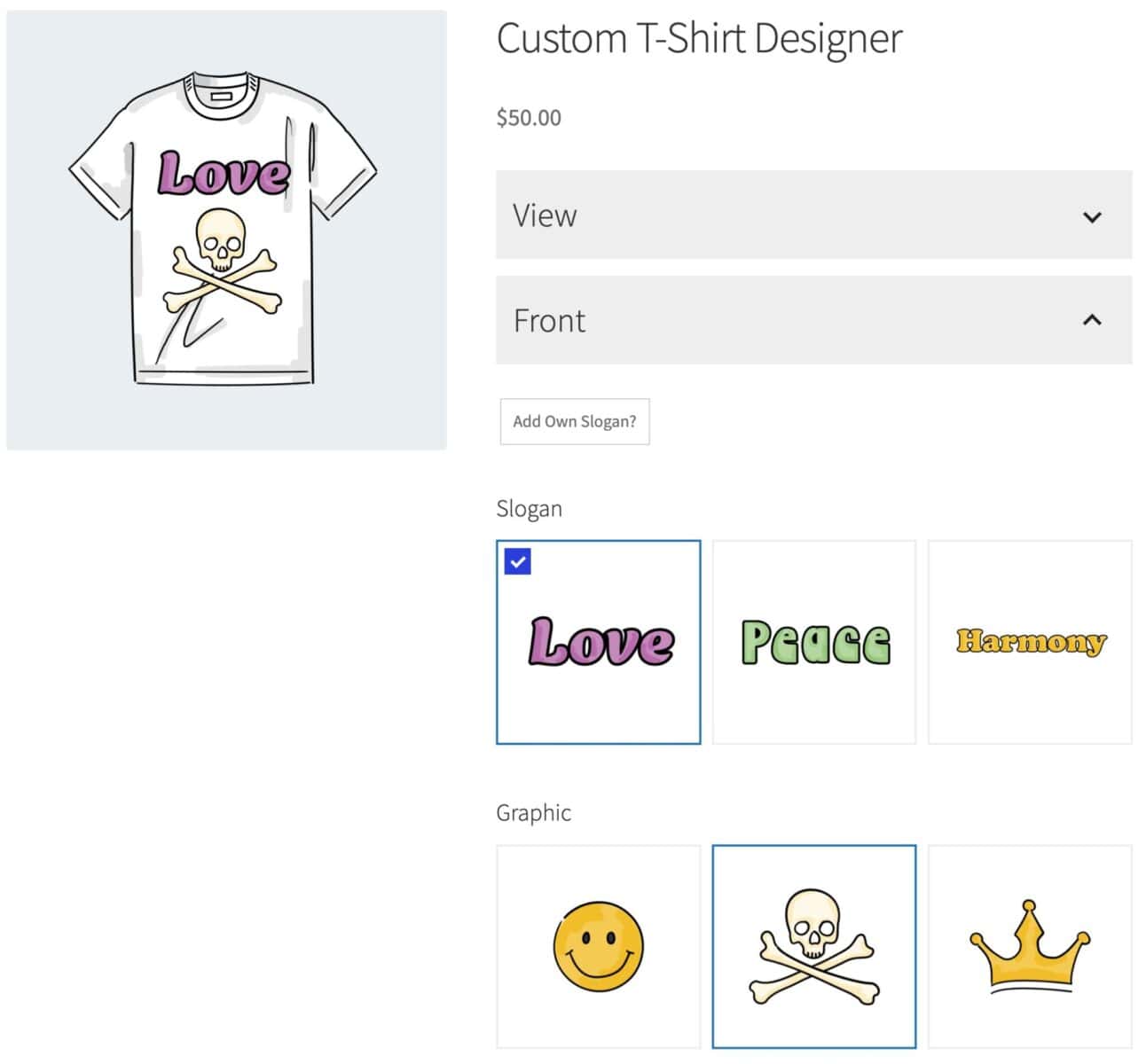
- Let customers see what they're configuring through layered images
- Extend and customize to fit your exact needs, with comprehensive documentation and world-class support
Use cases

Sell personalized products in WooCommerce 

Offer personalizable products by adding custom fields, text inputs and selectable options to each product - so your users can customize products before purchase

Calculate prices based on user inputs
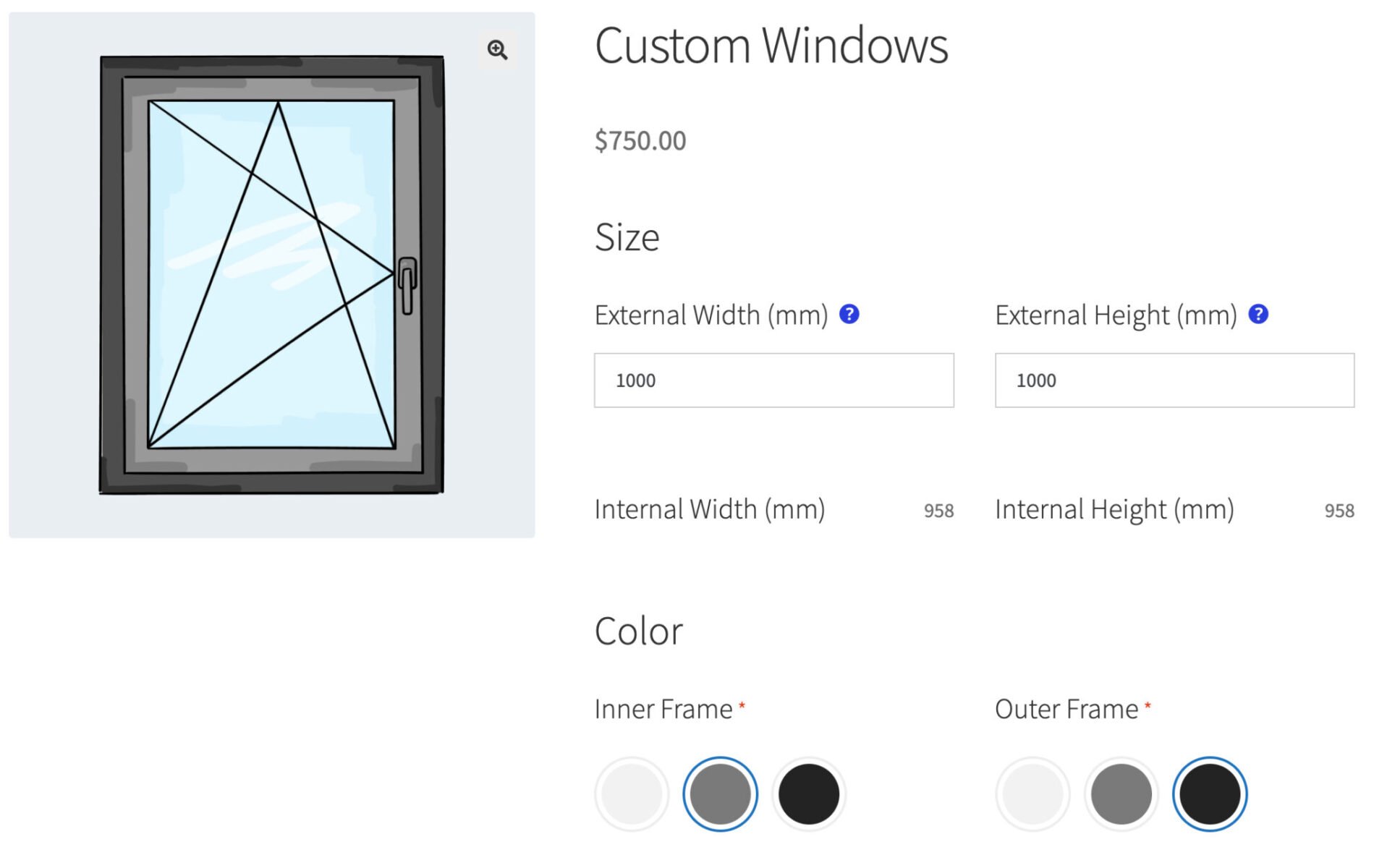
Calculate product prices from user inputs and/or through formulas. Accept measurements, update weight and other dimensions, and set prices dynamically
Create configurable products in WooCommerce
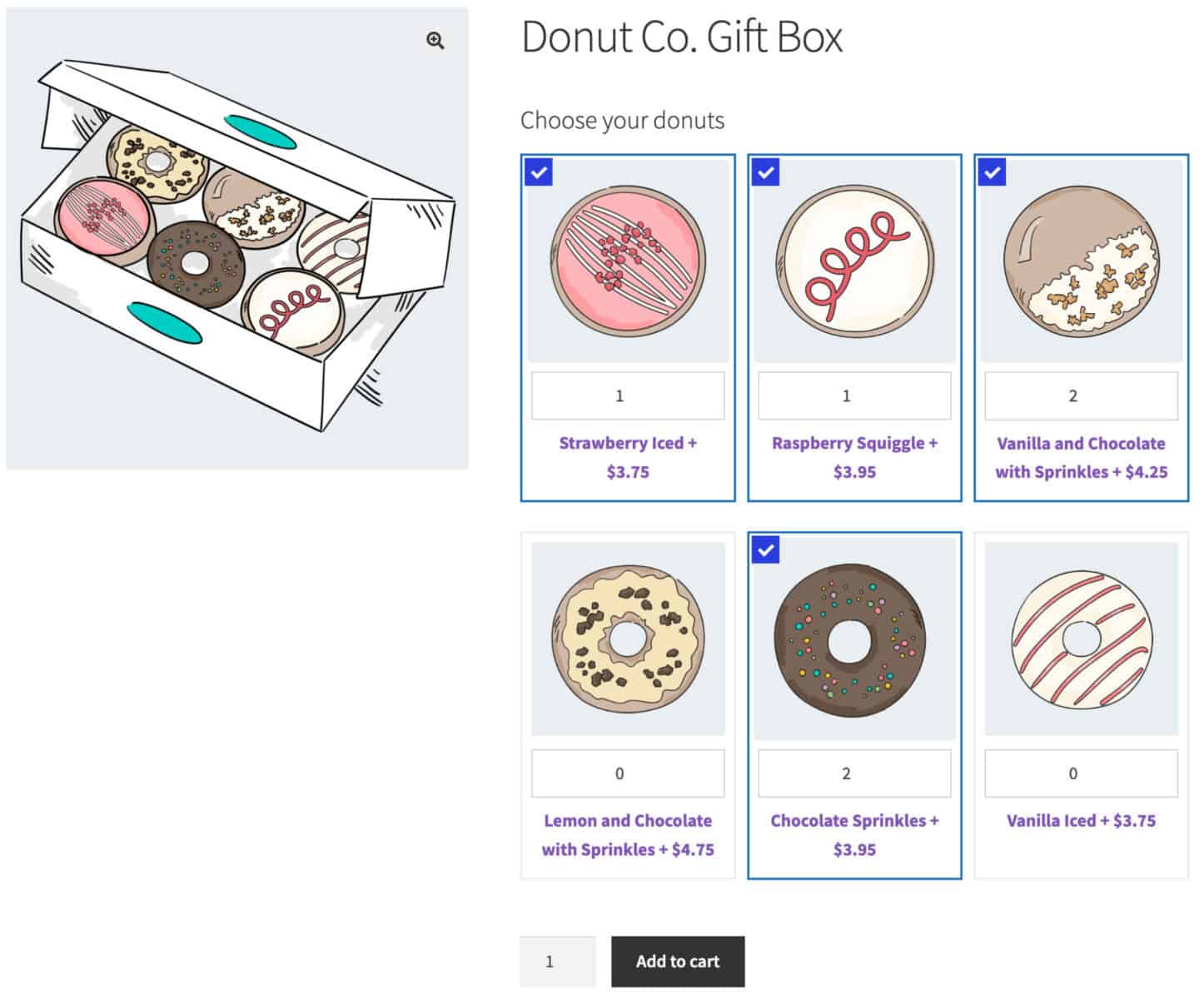
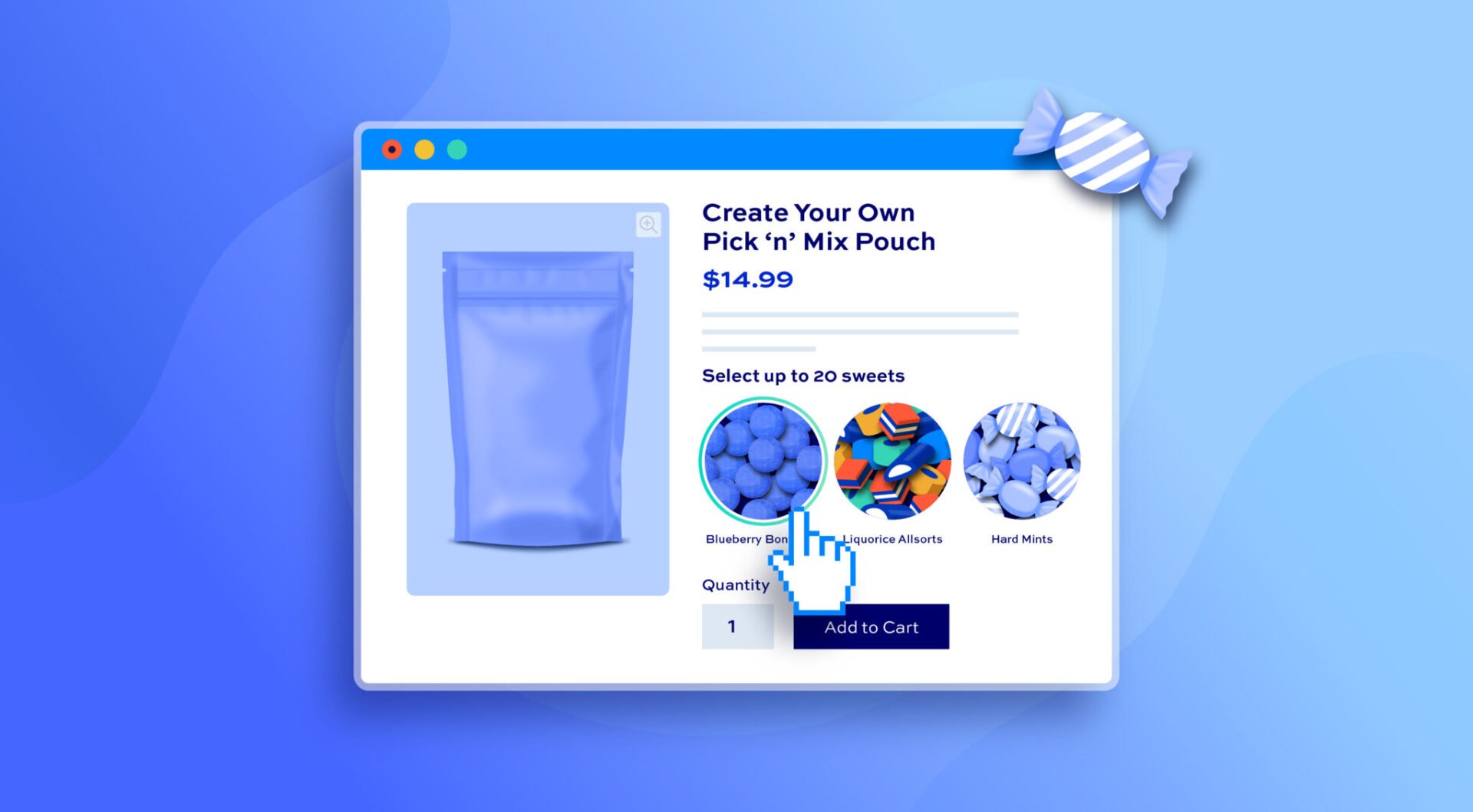
Create all kinds of configurable products including composite products, mix and match, gift boxes, bundles and all kinds of product configurators

Power up your online print shop
Accept custom text, images, PDFs and other files from customers. Charge per file or per character. Perfect for personalized prints, posters and engravings.
How to get started
How to add custom options in WooCommerce
- Step #1: Edit the product where you want to add the option
- Step #2: Click the ‘Product Add-Ons’ tab in the ‘Product data’ section
- Step #3: Click the ‘Add Group’ then ‘Add Field’
- Step #4: Choose the field type and configure the rest of the settings as required

How to add conditional logic to product add-ons
- Step #1: Click the ‘Conditions’ tab on the field where you want to add the condition
- Step #2: Select whether you want to show or hide the field
- Step #3: Choose the field and set a value for the condition
How to let customers upload files to the product page
- Step #1: Create a new 'Upload' add-on option field
- Step #2: Specify how many files the user can upload
- Step #3: Configure pricing if needed - either a single price or charge per uploaded file
What our customers say
The best WooCommerce product add-ons plugin
See more reviews View us on Trustpilot
WooCommerce Product Add-Ons Ultimate plugin features
The most advanced WooCommerce extra product options plugin available

20+ product add-ons field types
Add multiple WooCommerce custom fields to your product page



Calculation fields
Calculate values using formulas, the values of other fields, and global variables. Use the results to set the product price or just as simple values
Checkbox fields
Offer extra options as single checkboxes - users can either select them or not
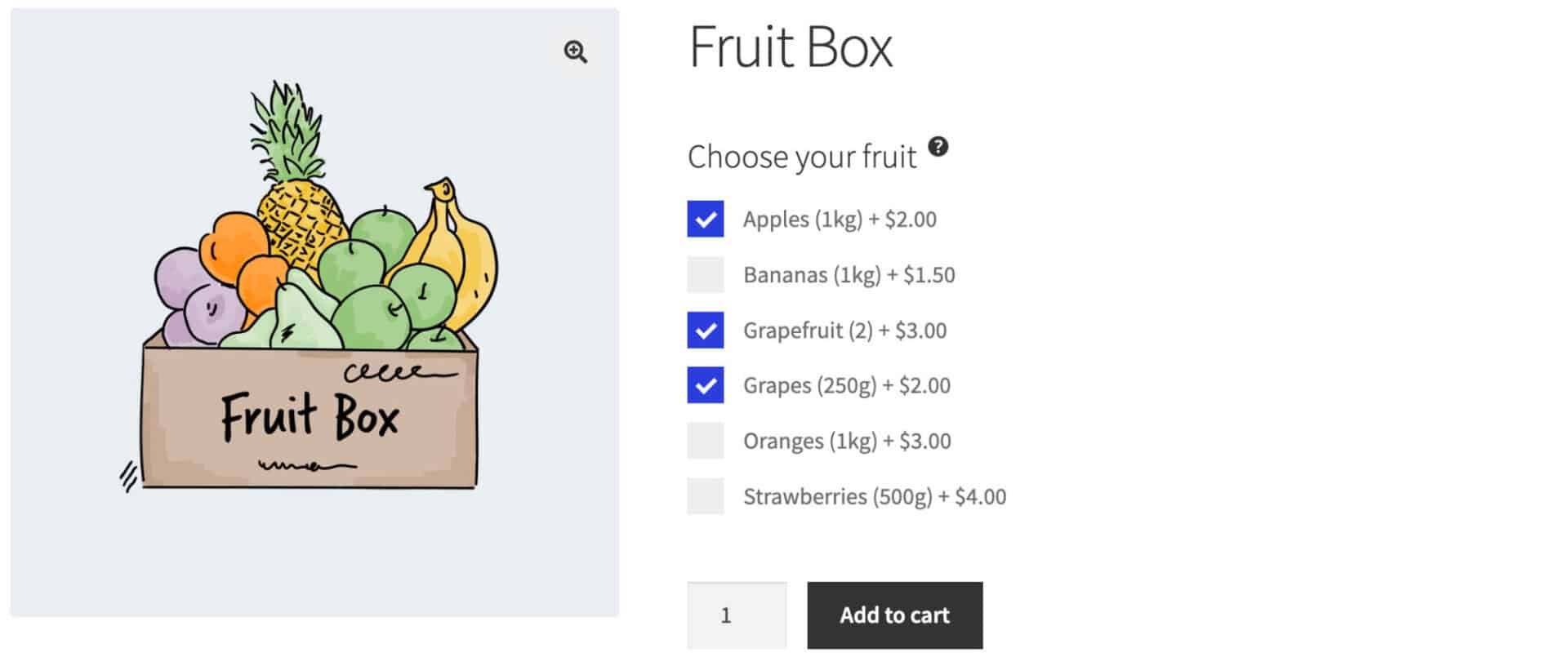
Checkbox groups
Add multiple checkboxes as a single group. Set minimum and maximum number of checkboxes that can be selected within a single group
Color picker fields
Color pickers allow customers to select a color value from a graphical color chart
Date picker fields
Date pickers allow customers to select a date from a calendar. You can specify minimum or maximum dates and exclude certain days of the week
Hidden fields
Hide fields on the product page so that the user cannot see them
Information fields
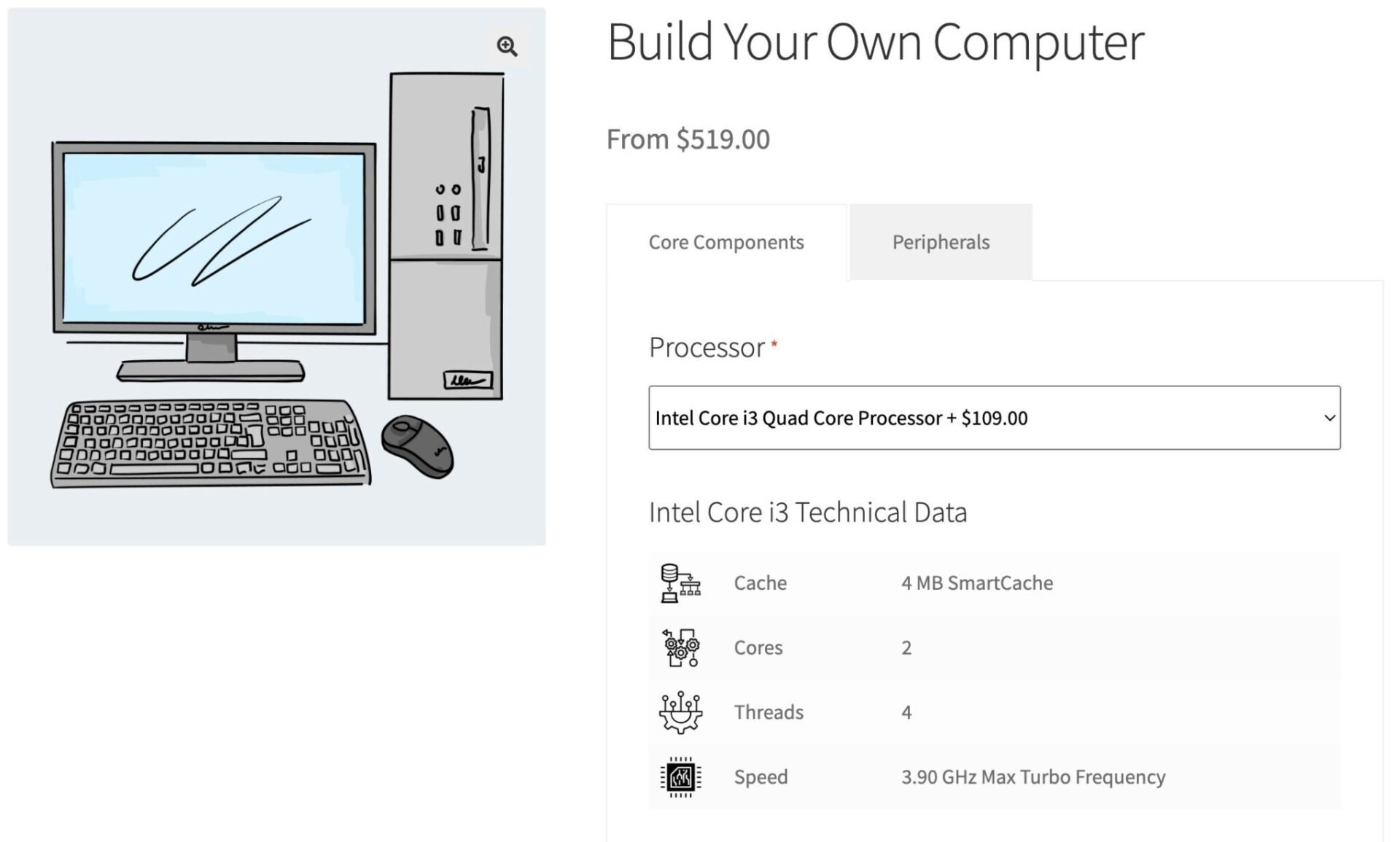
Display additional text and/or images without requiring user input: ideal for meta data, additional technical information, nutritional values, etc.
Name Your Price fields
Allow customers to set their own custom prices - a flexible way to add customer-defined pricing
Number fields
Allow users to enter numerical values. You can set minimum and maximum values and define step values (e.g. decimals)
Products fields
With Products fields, you can use standard WooCommerce products as custom options
Product categories fields
Product categories extend Products fields, allowing you to include all products with a product category as custom options
Radio button options
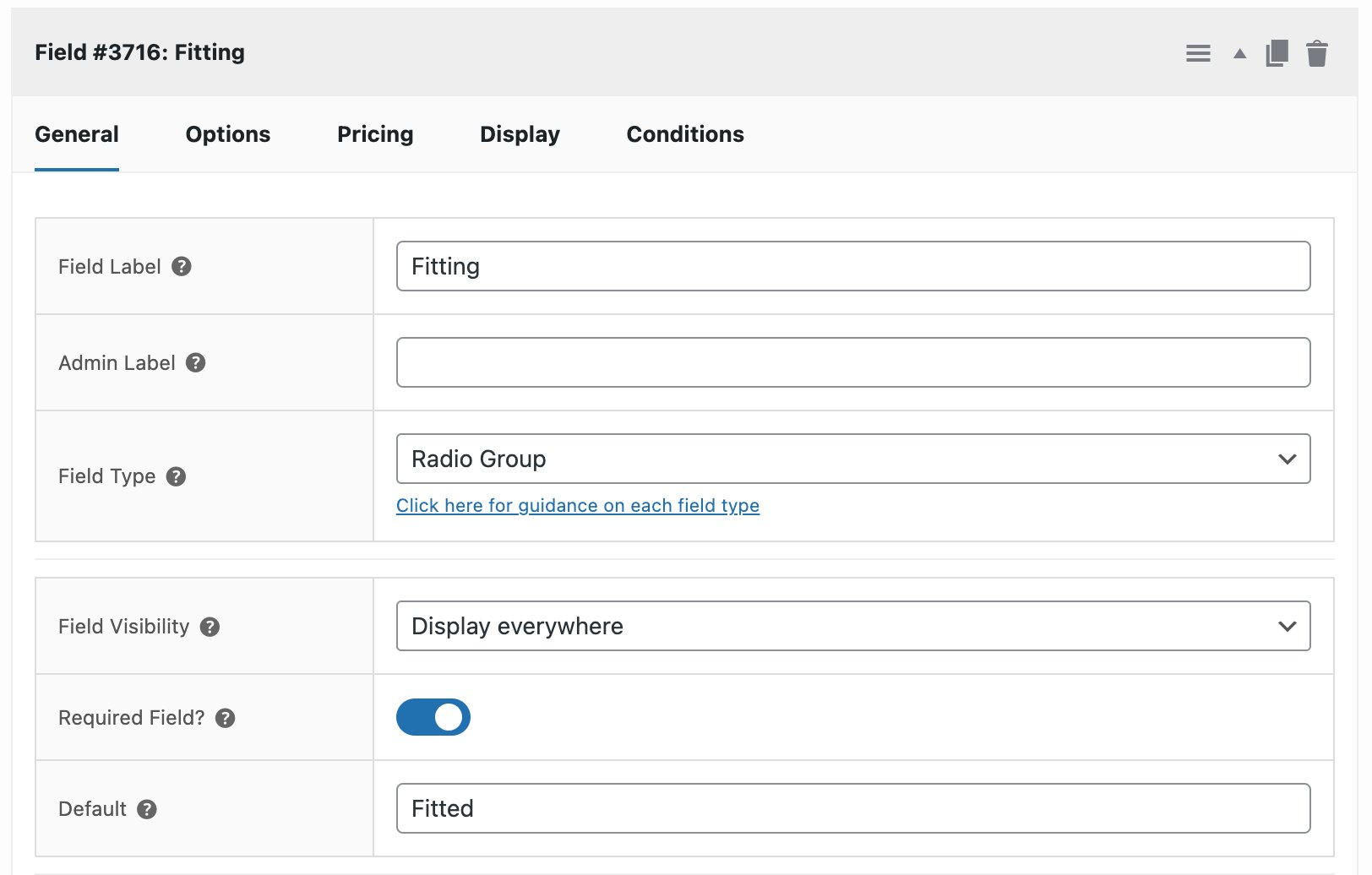
Radio buttons allow users to select one option from a group of options
Select (dropdown) fields
Allow users to select one option from a dropdown list
Select box fields
Present options in a powered-up select field, with text and images
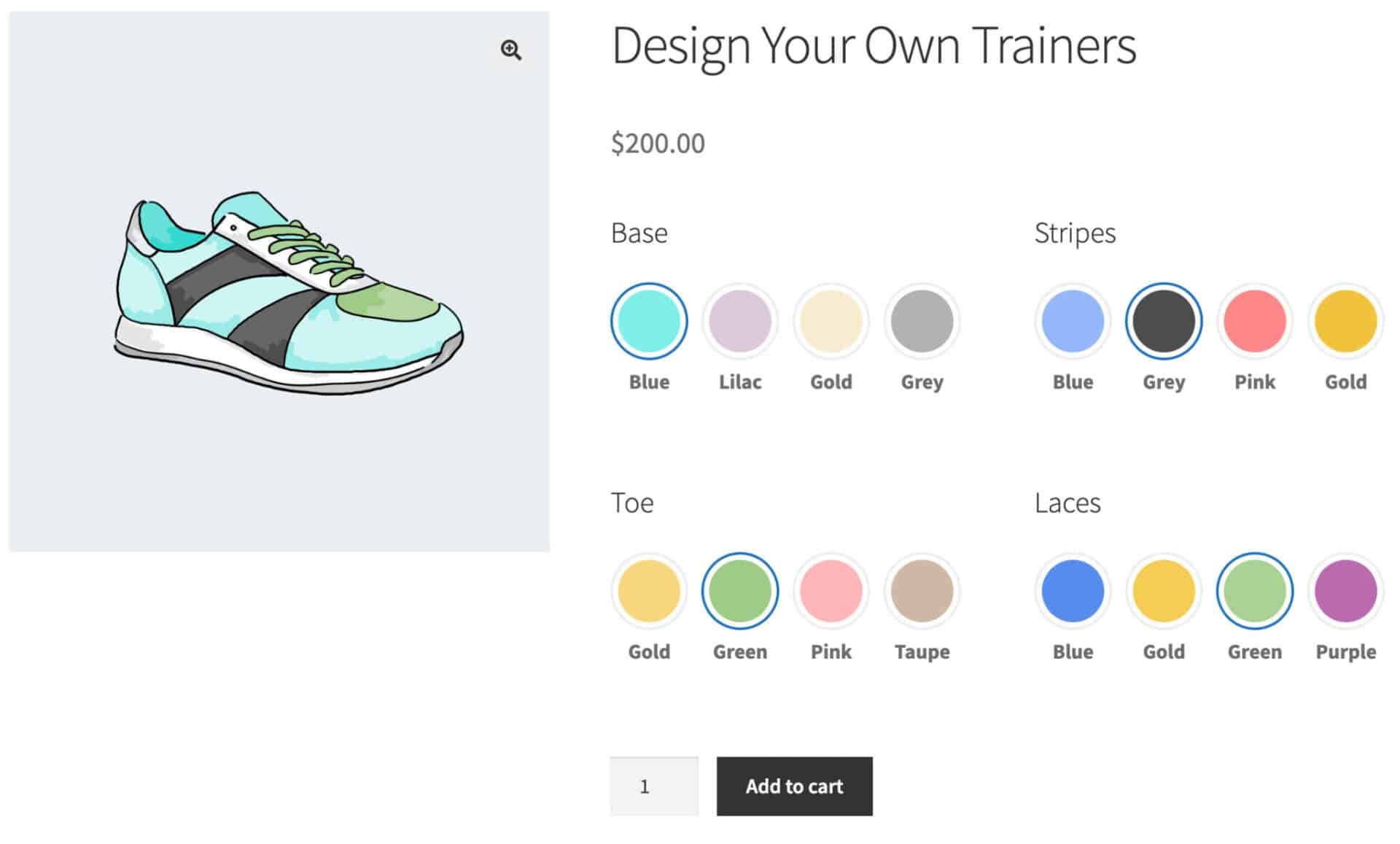
Swatches - color
Present color options to users graphically
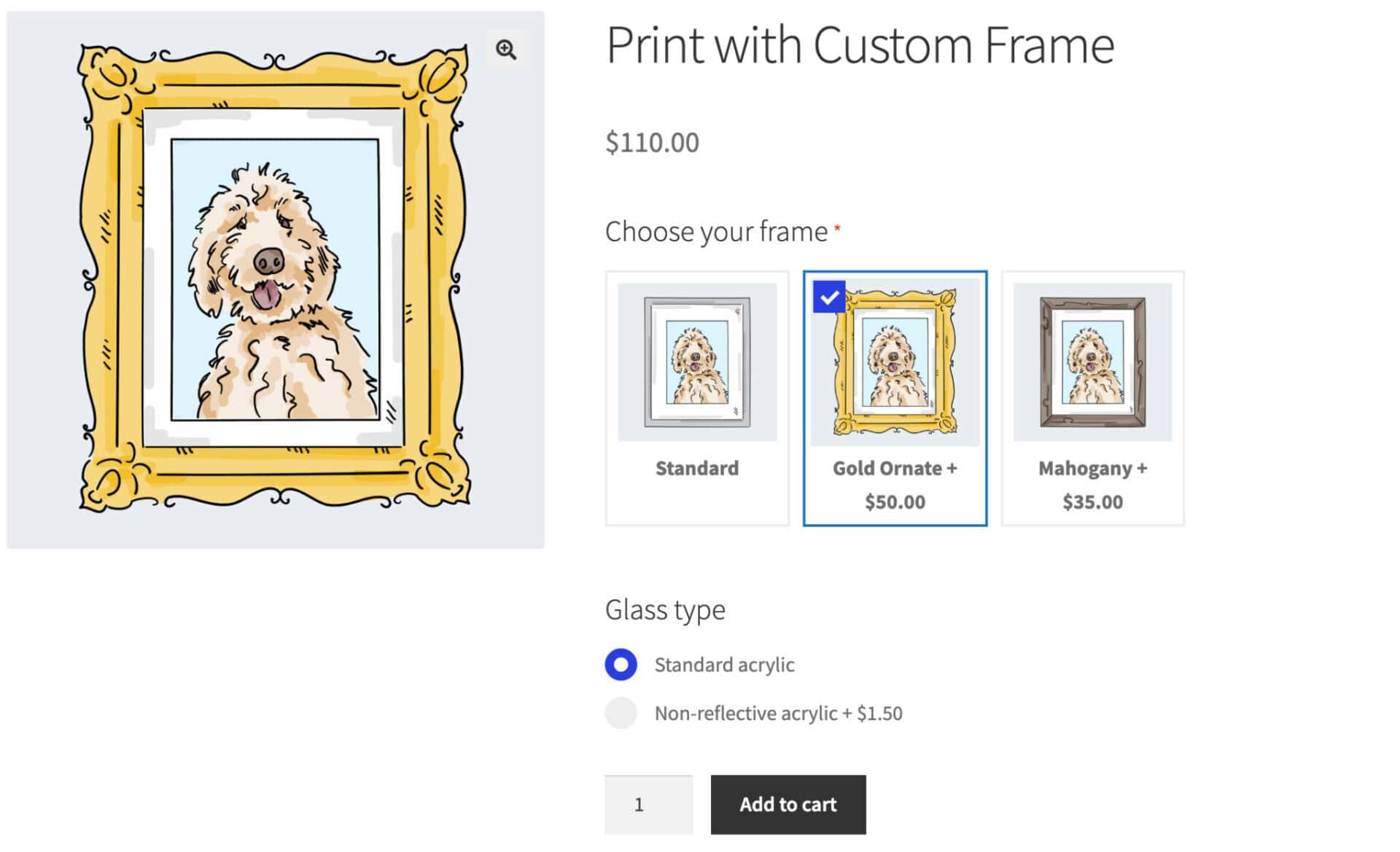
Swatches - image
Allow users to choose one or more options displayed as image thumbnails
Swatches - text (buttons)
Display text as graphical buttons - users can choose one or more option
Text fields
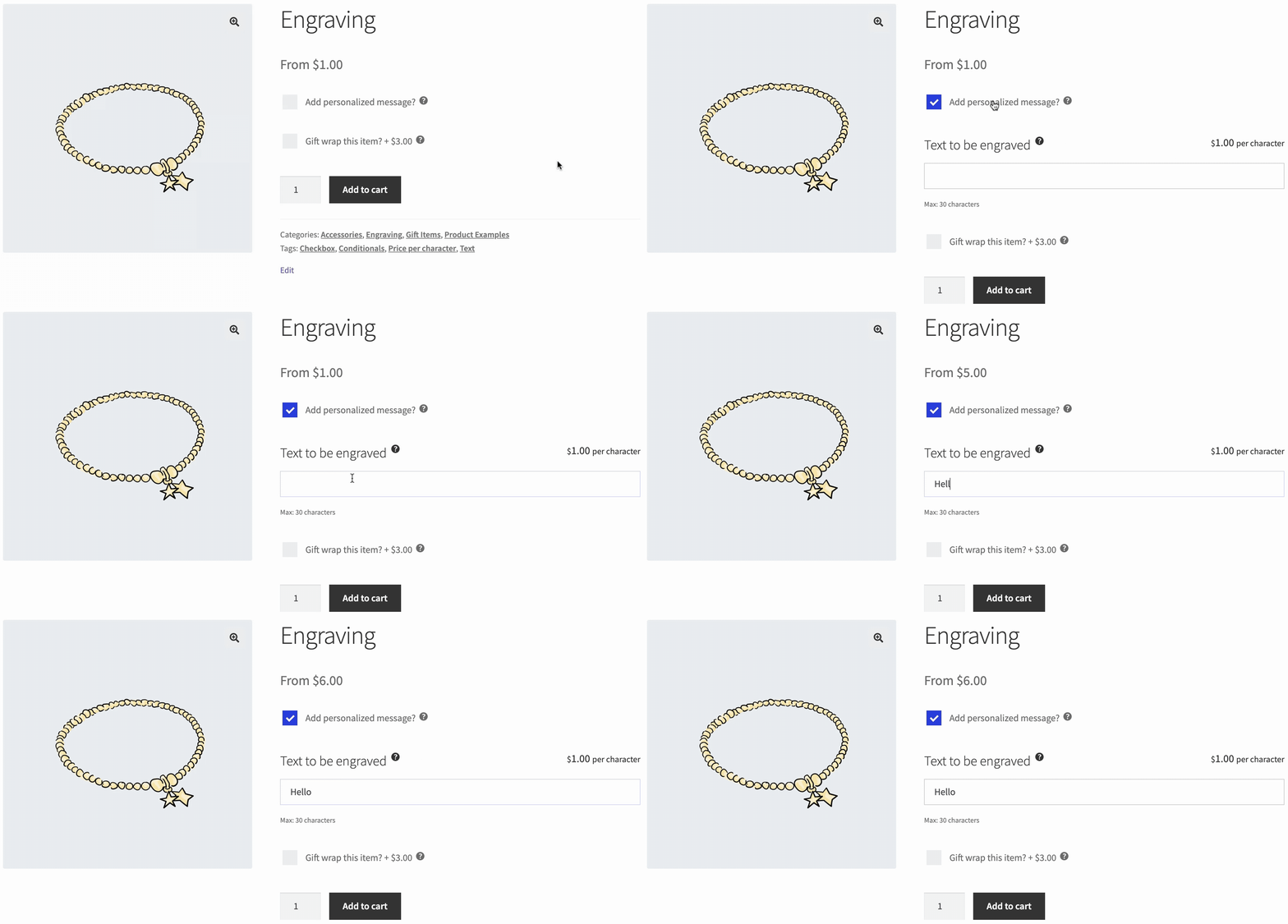
Allow users to enter a single line of text. Charge per character, set minimum / maximum characters limits, and much more
Textarea fields
Allow users to enter multiple lines of text. Charge per character, set minimum / maximum characters limits, and much more
Upload fields
Allow users to drag and drop images and files. Allow multiple uploads
Text preview add-on
Use the Text Preview extension to allow the user to preview their custom text on the product image
Image preview add-on
Use the Image Preview extension to allow the user to preview their uploaded images on the product image
Pricing options
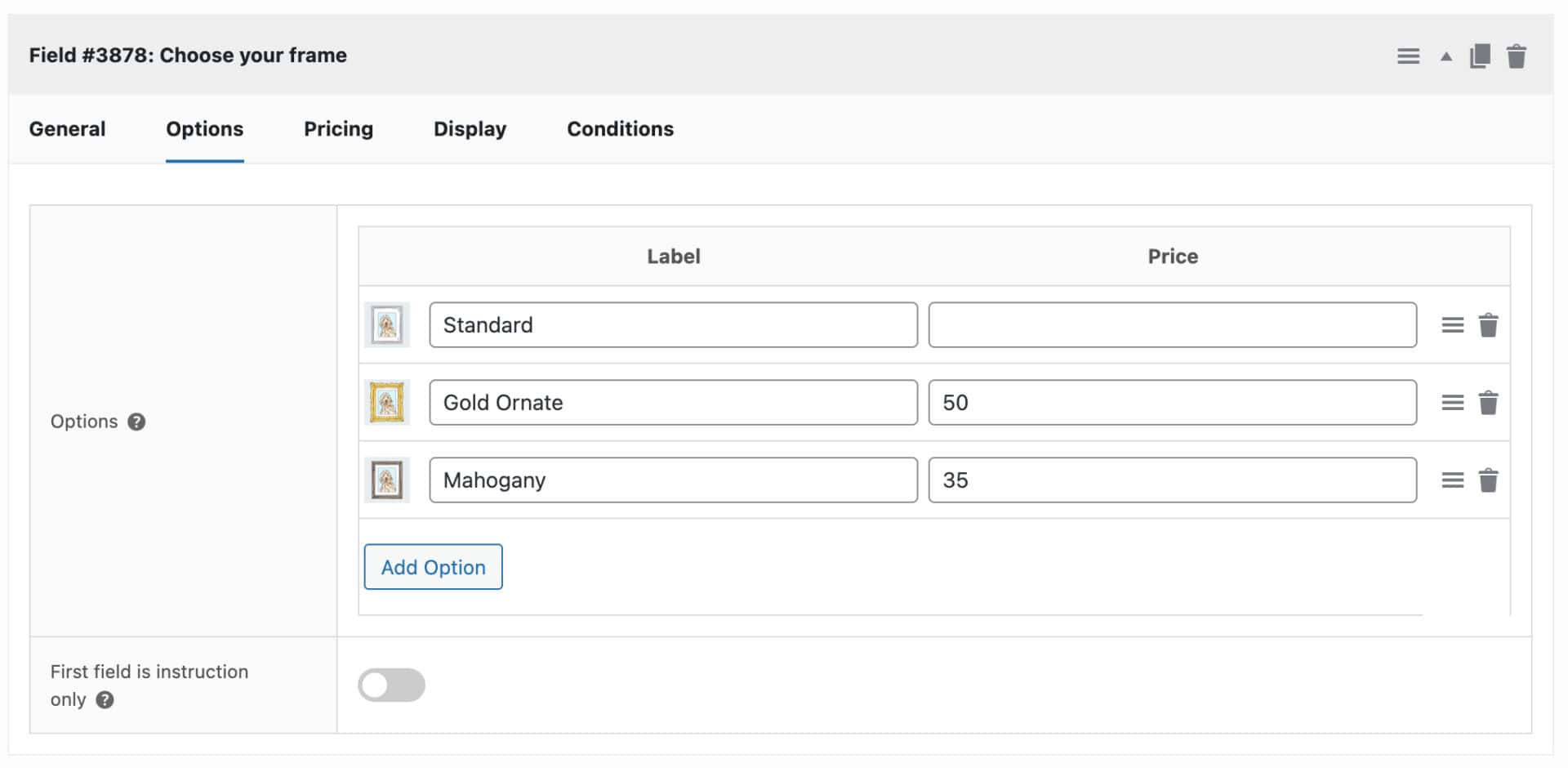
Product add-ons can be free, add cost to the product, or subtract cost from the product
Quantity-based pricing
Assign a price to a product add-on field or option - multiply it by the number of items the user adds to the cart
Percentage pricing
Choose to enter add-on prices as values or as a percentage of the base product price
Flat rate pricing
Apply flat-rate (fixed) prices to add-on fields so that the cost is only charged once, irrespective of how many items the user purchases
Customer-defined pricing
Allow customers to define their own prices with the Name Your Price add-ons field
Show or hide prices
Choose whether to show or hide field and option prices to the user by location, e.g. on product page, cart and checkout, order pages
Update main WooCommerce product price
Update the main WooCommerce product price dynamically based on the add-on fields the user selects
Product add-on price totals
Show or hide totals on the product page, e.g the base product price, the cost of the add-ons, the overall combined price
Pricing summary panel
Choose to dynamically update a separate information panel with details of the user's custom fields and prices as they are selected
Set product price with calculations
Use the 'Calculations' add-on field type to set field and product price through math formulas
Set add-on prices with formulas
Update add-on field and option prices directly using formulas
Multicurrency support
WooCommerce Product Add-Ons Ultimate supports WooCommerce Multicurrency, Aelia Currency Switch, and CURCY
Set product add-ons to required
Ensure that users enter a value in certain fields by setting them as mandatory
Default product options
Define default values for fields
Conditional logic
Show or hide add-ons or groups depending on the value of other fields
Repeater fields
Fields can repeat by clicking a button or based upon the selected quantity
Progress bar
Add an optional progress bar to graphically show the user how many fields they have completed and how many remain
Tooltips
Create helpful tooltips for each product add-on, allowing users to understand what each field is for
Populate fields through URL
Create custom URL params to pre-populate custom field values
Edit fields from cart
Allow users to return to their product from the cart, change field values, and update the cart
On-page validation
Enable 'live' validation so that users can see any issues before adding the product to the cart
Disable add to cart button
Disable the add to cart button until all required fields have been completed
Clear all button
Enable a button for the user to clear all custom field values they've entered on the product page
Developer-friendly
Easily extend Product Add-Ons Ultimate using multiple hooks and filters
Match theme styles
Product Add-Ons Ultimate will automatically match your theme for seamless integration into your site
Group layout options
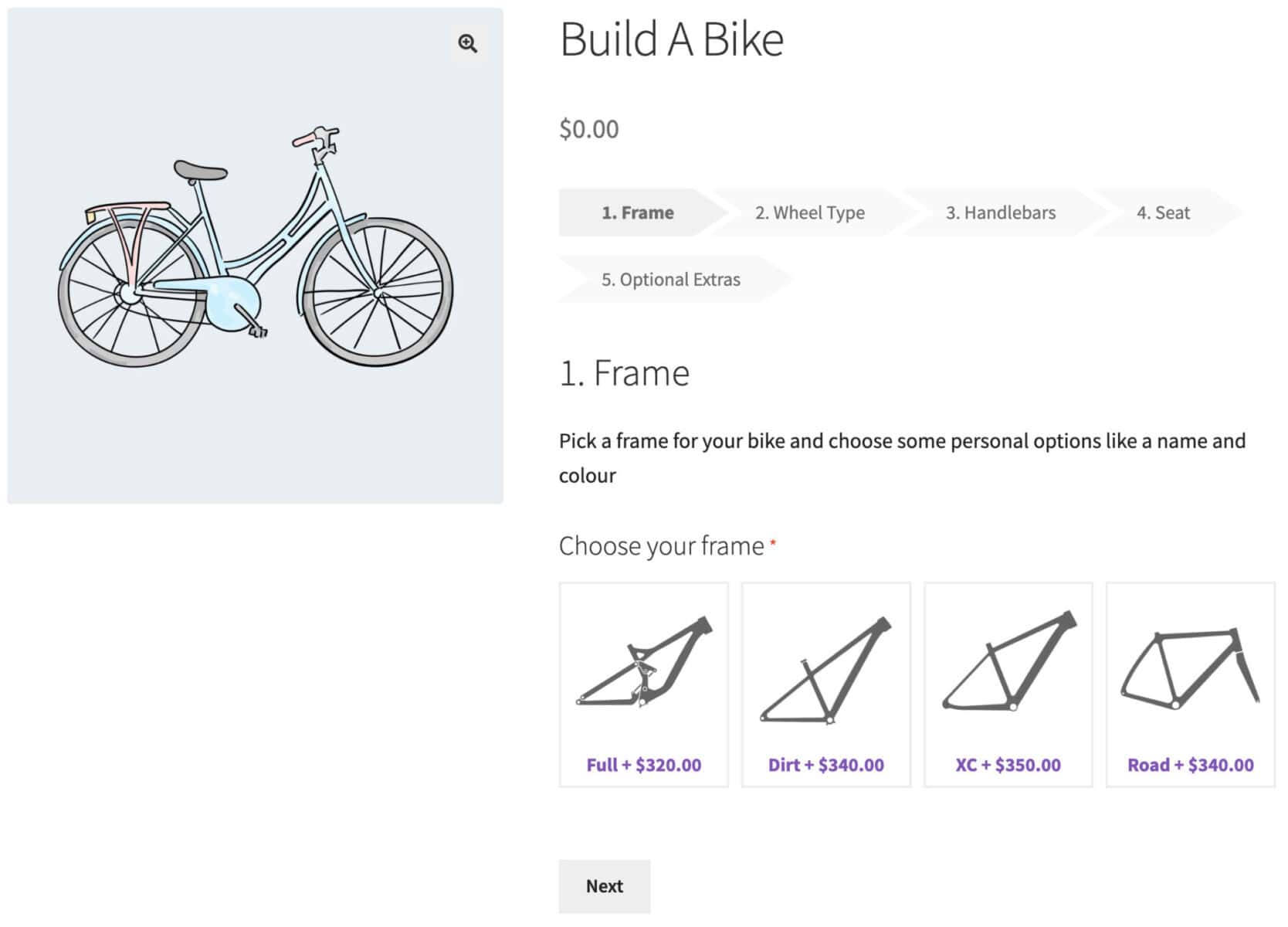
Display groups of fields as a single list - or in accordion, tabs, steps, or lightbox layouts
Field layouts
Choose how to display fields within each group, e.g. single column, two column, three column
Customize and preview styles
Use the default WordPress Customiser to update colors, font sizes, spacing, etc - and preview in real time




Show/hide fields or groups
Set conditions based on the value of other fields, or on product quantity, cost or attributes
Variation specific fields
Display fields only when certain product variations are selected
User role and authentication
Show or hide fields depending on the user's log-in status or user role
Beautiful by default
The uploads add-on field allows users to drag and drop files on to the product page. They can view progress bars and see the uploaded files as thumbnails
Bulk uploads
Allow single or multiple file uploads per field. Set the minimum and maximum number of allowed files per upload field. Add multiple fields per page if required
Flexible upload charges
Charge a single price for uploading one or more files - or choose to charge a price per uploaded file
Any file type
Define what file types are permitted from an easy dropdown list
PDF page count
Allow users to upload PDF files then get the page count for each PDF
Easy file management
Choose when to clear uploads from your server to avoid it filling up with unwanted files
Easy order management
Choose to have all uploads per order in a single zip file for download, or view each file separately from the order screen
Rename uploaded files
Rename users uploaded files dynamically so you can identify them by product ID, field ID, order ID, date, etc
Include uploads as attachments
Opt to include uploaded files as attachments on admin and customer emails
Image Preview
Use the Image Preview extension to preview uploaded files as part of the main product image
Advanced Uploads
With the Advanced Uploads extension, allow users to edit uploaded images. Also, set minimum and maximum upload sizes
Offload to third-party providers
Add-Ons Ultimate allows you to offload uploaded files to Amazon S3, Dropbox, etc, and save space on your own server
Charge per character
Apply a single price when a user enters text in the field - or charge per character
Allow free characters
Allow certain number of characters free, then charge per character for additional characters
Set minimum and maximum characters
Define a minimum and/or maximum number of characters that the user can enter
Show permitted characters remaining
Show the user how many characters they've entered and how many are remaining
Alphanumeric characters only
Choose to allow alphanumeric characters only if you wish
Charge alphanumeric characters only
Opt to allow all characters, including spaces and punctuation, but only charge for alphanumeric characters
Text Preview
With the Text Preview extension, allow the user to preview their text on the main product image, choose font, size, color, etc
Create complex formulas
Calculate values and prices based on the value of other add-on fields or options, product price, user inputs, or product quantity
Use customer inputs
Set product prices dynamically using values from other add-ons fields, e.g. use customer inputs for height and length to calculate area
Dynamic product dimensions
Update product dimensions dynamically - weight, width, height, length - through calculations based on user inputs
Use ACF field values
The Advanced Calculations extension allows you to include values from Advanced Custom Fields in your calculations
Get values from lookup tables
With the Advanced Calculations extension, you can read values from lookup tables based on user inputs




Go further with product add-ons
Product Add-Ons Ultimate works brilliantly with other plugins and extensions
Track product add-ons inventory
'Child' products are products in their own right - so you can track their inventory. When they run out, they're no longer available
Product add-ons SKUs
Child products can also have their own SKUs so can be included in pick lists etc
Weight and dimensions
Child products can have their own dimensions - ensuring shipping costs are always accurate, even for product options
Separate tax classes for product add-ons
Set different tax classes for options and products
Product categories add-on field
Use 'Product categories' add-ons to automatically use all products within specified categories as options in your main product
Create composite products
Composite products are made of multiple components. Each component can be a separate product, with inventory, SKU, weight, price, etc
Create bundled products
Bundled products are multiple products sold together. Easily create bundled products with the Products add-on field
Image swatches
Display thumbnail images with or without text. Allow users to select one or multiple options
Text swatches
Display text options like graphical buttons. Allow users to select one or multiple options
Color swatches
Display color values as swatches
Update main product image
Choose to replace the main product image when the user selects an image swatch
Create image layers
Choose to layer multiple images on the main product image when the user selects an image swatch
Organize fields in groups
Each field belongs to a group, making it easier to manage your product add-ons
Individual product add-ons
Add fields and groups to individual products, if you wish
Global product add-ons
Create product options globally and assign them to multiple products, to specific product categories, or to all products
Titles and descriptions
Add titles, images and descriptions for each add-on option and group
Duplicate groups and fields
Easily duplicate add-on fields or entire groups within the same product
Import / export fields and groups
Easily copy groups and fields to other products to make things easy. Import field options from CSV - easier to update and manage
Themes and page builders
WooCommerce Product Add-Ons Ultimate works with all themes (including block themes) and page builders
Multilingual add-ons plugin
Add-Ons Ultimate is compatible with multilingual plugins (and is WPML certified)
Multicurrency add-ons plugin
Product Add-Ons Ultimate supports WooCommerce Multicurrency and Aelia Currency Switch
Product add-ons REST API
Add-Ons Ultimate is compatible with the WooCommerce REST API - get, edit, delete product add-ons
Bookings for WooCommerce
WooCommerce Product Add-Ons Ultimate is fully compatible with our Bookings for WooCommerce plugin
WooCommerce Members Only
WooCommerce Product Add-Ons Ultimate is fully compatible with our WooCommerce Members Only plugin
WooCommerce Dynamic Pricing and Discount Rules
Product Add-Ons Ultimate is fully compatible with our Dynamic Pricing and Discount Rules plugin
WooCommerce Subscriptions
Product Add-Ons Ultimate is fully compatible with the WooCommerce Subscriptions plugin
Pricing
All purchases are covered by a 14 day money back guarantee.
All prices are in US Dollars.
Yearly licenses renew annually - cancel anytime
Lifetime licenses are a one-time payment
Single
$79 + VAT *
Use on a single siteUse this plugin on one production site
Renews annuallyThis plugin will automatically renew every year. If you cancel it, you can continue to use the plugin but will not receive support or updates
14 day money back guaranteeIf the plugin isn't what you want, just drop us a line within 14 days for a full refund
Pro
$119 + VAT *
Use on up to 5 sitesUse this plugin on up to 5 sites
Renews annuallyThis plugin will automatically renew every year. If you cancel it, you can continue to use the plugin but will not receive support or updates
14 day money back guaranteeIf the plugin isn't what you want, just drop us a line within 14 days for a full refund
Agency
$349 + VAT *
Use on up to 25 sitesUse this plugin on up to 25 sites
Renews annuallyThis plugin will automatically renew every year. If you cancel it, you can continue to use the plugin but will not receive support or updates
14 day money back guaranteeIf the plugin isn't what you want, just drop us a line within 14 days for a full refund
Single
$199 + VAT *
Use on a single siteUse this plugin on one production site
One-time paymentThis is a single one-time charge. You'll receive support and updates for the lifetime of the product
14 day money back guaranteeIf the plugin isn't what you want, just drop us a line within 14 days for a full refund
Pro
$299 + VAT *
Use on up to 5 sitesUse this plugin on up to 5 sites
One-time paymentThis is a single one-time charge. You'll receive support and updates for the lifetime of the product
14 day money back guaranteeIf the plugin isn't what you want, just drop us a line within 14 days for a full refund
Agency
$899 + VAT *
Use on up to 25 sitesUse this plugin on up to 25 sites
One-time paymentThis is a single one-time charge. You'll receive support and updates for the lifetime of the product
14 day money back guaranteeIf the plugin isn't what you want, just drop us a line within 14 days for a full refund

A full refund if you're not happy
I built this plugin myself and my team and I are available to support you personally. We want you to be 100% satisfied with your purchase so if, for any reason, this plugin doesn't meet your expectations over the next 14 days, let us know and we'll give you a full refund.
Compare WooCommerce product add ons plugins
See how our plugin stacks up against its main competitors
|
WooCommerce Product Add-Ons Ultimate
Plugin Republic
From $79/year
|
WooCommerce Product Add-Ons
Woo
$79/year
|
Product Add-Ons & Extra Options
YITH
$120/year
|
Product Addons for WooCommerce
Acowebs
From $49/year
|
|
|---|---|---|---|---|
| Field types | ||||
| Text field | ✓ | ✓ | ✓ | ✓ |
| Textarea | ✓ | ✓ | ✓ | ✓ |
| Checkbox | ✓ | ✓ | ✓ | ✓ |
| Checkbox group | ✓ | ✗ | ✗ | ✓ |
| Radio buttons | ✓ | ✓ | ✓ | ✓ |
| Select / dropdown | ✓ | ✓ | ✓ | ✓ |
| Number field | ✓ | ✗ | ✓ | ✓ |
| Number range / slider | ✓ | ✗ | ✗ | ✓Pro only |
| Date picker | ✓ | ✗ | ✓ | ✓ |
| Color picker | ✓ | ✗ | ✓ | ✓Pro only |
| Color swatches | ✓ | ✗ | ✓ | ✓Pro only |
| Image swatches | ✓ | ✓ | ✓ | ✓Pro only |
| Text swatches / label buttons | ✓ | ✗ | ✓ | ✓Pro only |
| File upload | ✓ | ✓ | ✓ | ✓Pro only |
| Products / linked product field | ✓ | ✗ | ✓Premium only | ✓Pro only |
| Product Categories field | ✓ | ✗ | ✗ | ✗ |
| Calculation / formula field | ✓ | ✗ | ✗ | ✓Pro only |
| Hidden field | ✓ | ✗ | ✗ | ✓ |
| Information / HTML display field | ✓ | ✗ | ✓Premium only | ✓ |
| Name your price | ✓ | ✓ | ✗ | ✗ |
| Total field types | 20+ | ~10 | 15+ | 20+ |
| Pricing options | ||||
| Fixed price add-on | ✓ | ✓ | ✓ | ✓Pro only |
| Percentage-based pricing | ✓ | ✓ | ✓ | ✓Pro only |
| Flat rate (charged once regardless of qty) | ✓ | ✓ | ✗ | ✗ |
| Quantity-based pricing (multiply by qty) | ✓ | ✗ | ✓ | ✓Pro only |
| Price per character (text fields) | ✓ | ✗ | ✓ | ✓Pro only |
| Price per uploaded file | ✓ | ✗ | ✗ | ✗ |
| Price by formula / calculation | ✓ | ✗ | ✗ | ✓Pro only |
| Negative (discount) pricing | ✓ | ✗ | ✓ | ✗ |
| Customer-defined price (name your price) | ✓ | ✓ | ✗ | ✗ |
| Price summary / totals panel on product page | ✓ | ✗ | ✓ | ✗ |
| Lookup table pricing | ✓Advanced Calculations ext. | ✗ | ✗ | ✓Pro only |
| Role-based pricing for add-on fields | ✓ | ✗ | ✗ | ✗ |
| Multicurrency support | ✓ | ✗ | ✓ | ✓Pro only |
| Conditional logic | ||||
| Show/hide fields based on other field values | ✓ | ✗ | ✓Premium only | ✓Pro only |
| Show/hide groups of fields with one rule | ✓ | ✗ | ✗ | ✗ |
| Variation-specific fields | ✓ | ✗ | ✗ | ✓Pro only |
| Conditions based on product quantity or cost | ✓ | ✗ | ✗ | ✗ |
| Conditions based on user role / login status | ✓ | ✗ | ✓Premium only | ✗ |
| Chained / nested dependencies | ✓ | ✗ | ✓Premium only | ✓Pro only |
| Display & layout | ||||
| Group layout options (tabs, accordion, steps) | ✓ | ✗ | ~Toggle only | ✓Pro only |
| Multi-column field layout | ✓ | ✗ | ✓ | ✓Pro only |
| Replace main product image on swatch select | ✓ | ✗ | ✓ | ✗ |
| Layered / composite product images | ✓ | ✗ | ✗ | ✗ |
| Text preview on product image | ✓Text Preview ext. | ✗ | ✗ | ✗ |
| Progress bar | ✓ | ✗ | ✗ | ✓Pro only |
| Tooltips | ✓ | ✗ | ✓ | ✓Pro only |
| Custom styles via Customizer | ✓ | ✗ | ✓ | ✗ |
| Show options selected in cart | ✓ | ✓ | ✓ | ✓ |
| Edit add-ons from cart | ✓ | ✗ | ✓Premium only | ✗ |
| Advanced features | ||||
| Global add-ons (apply to multiple products) | ✓ | ✓ | ✓ | ✓ |
| Apply to specific product categories | ✓ | ✓ | ✓ | ✓ |
| Inventory tracking for add-on options | ✓Via Products field | ✗ | ✓Via Product type option | ✓Pro only |
| SKUs for add-on options | ✓ | ✗ | ✓ | ✓Pro only |
| Weight / dimensions from add-ons | ✓ | ✗ | ✗ | ✗ |
| Repeater / repeating fields | ✓ | ✗ | ✗ | ✓Pro only |
| Required fields / min-max selections | ✓ | ✗ | ✓ | ✓ |
| Default values | ✓ | ✗ | ✓ | ✓ |
| Import / export field groups | ✓ | ✗ | ✗ | ✗ |
| Pre-populate fields via URL | ✓ | ✗ | ✗ | ✗ |
| REST API support | ✓ | ✗ | ✗ | ✗ |
| WPML / multilingual compatible | ✓ | ~ | ✓ | ✓ |
| Offload uploads to cloud (S3, Dropbox) | ✓ | ✗ | ✗ | ✓Pro – AWS S3 only |
| Lifetime license option | ✓ | ✗ | ✗ | ✓ |
Get started with WooCommerce Product Add Ons Ultimate and create custom product options in minutes
Your customer support team is absolutely superb. I have worked with Collins and Clint, and they have been helpful, patient, and incredibly easy to work with.

Why buy the WooCommerce Product Add-Ons Ultimate plugin?
The WooCommerce Product Add-Ons Ultimate plugin enhances the shopping experience by allowing customers to customize products with extra product options like text fields, checkboxes or radio buttons, or upload fields. This flexibility lets customers tailor products to their specific needs, making their purchases more meaningful and unique. Additionally, by offering these customizable add-ons, store owners can increase profitability through upselling personalized options.
FAQs
What are the different types of extra product options?
Our WooCommerce product add-ons plugin includes over 20 different types of extra product options. The custom add-on fields that you can add to your products include:
Text input fields
These are extra product options where the user can enter free text.
- Text fields allow users to enter text of their choice - ideal for engravings, personal messages, etc
- Textarea fields allow users to enter longer format text
User choice fields
Custom product fields where the user can choose from one or more options.
- Checkboxes allow users to select simple addon options
- Checkbox groups allow users to select one or more options from a group of checkboxes. You can specify a minimum and maximum number of checkboxes that must be selected by the customer
- Radio buttons allow users to select one option from a set of options
- Select fields (dropdown lists) allow users to select one option from a list of possible options
- Image swatches are clickable images for the user to select one or more options
- Text swatches (buttons) allow users to make selections from clickable text labels
Upload fields
- Upload fields allow users to upload images and files (including PDFs) to a modern drag and drop interface directly on the product page
Number input fields
These are extra product options which allow the user to enter or choose numeric values.
- Name Your Price fields allow customers to set custom prices
- Number fields allow users to enter numbers
- Number range slider fields allow the user to drag a slider along a range to enter a numerical value
Calculation fields
- Calculation fields allow you to set values with formulas that can use the values of other fields, global variables, product quantity and prices. Use the results to set the product parameters like price or weight or just as simple values
Child product fields
Child products are a unique type of product add-on. They allow you to use other products on your site as custom options.
- Products fields allow you to include specific products as add-ons within your ‘parent’ product - perfect for when you want to track inventory or SKUs of your extra fields or if they should be part of shipping calculations
- Product categories fields allow you to Insert all products within specified categories as child products quickly and easily
Date and time fields
You can add custom product options for users to select dates:
- Calendar List fields allow users to pick dates from a limited range - great for delivery dates
- Date Pickers allow customers to select a date - specify minimum / maximum dates
Color choices
- Color Pickers allow customers to select a color value from a color chart
- Color swatches allow users to choose a color from a set of different colored buttons
Information
- Information fields are custom product add-ons that display additional information - ideal for meta data, additional technical information, nutritional values, etc.
What are the main features of WooCommerce Product Add-Ons Ultimate?
WooCommerce Product Add-Ons Ultimate is a custom product add-ons plugin which allows your customers to personalize your products. You can add extra products options like text boxes, dropdowns, checkboxes and radio buttons - and you can add as many additional fields as you like, giving you and your customers fine-grained control over configuring products.
Every field can be assigned a price, which either adds or even subtracts from the original product price, so you can charge your customers extra for personalizations. This allows you to add value to each of your products and increase your profitability.
Certain fields, like dropdowns and radio buttons, can have different prices associated with each option.
Features
20+ different field types
- Add-on fields include checkboxes, datepickers, file uploads, information fields, text and textarea fields, number fields, radio groups, select fields, name your price fields, image swatches, child products, checkbox groups and calculation fields
Add prices to fields and field options
- Optionally assign prices to your product add-on fields
- Choose whether to multiply the cost of add-on fields by the quantity ordered or just charge a flat rate one-off fee
- Add price per character costs to text fields
- Assign negative (discount) prices
- Accept custom prices (name your price fields)
- Add percentage prices (Pro only)
Insert custom product options per product or globally
- Add fields to specific products
- Create global fields and assign them to multiple products or categories
Conditional logic
- Show or hide fields based on the value of other fields
Variation specific fields
- Show or hide fields depending on which variation is selected
Upload files - beautifully
- Allow the customer to upload single or multiple files
- Display thumbnails and upload progress
- Set permitted file types and size
- Download all uploaded files per order in single zip
- Optionally rename file names
Child products
- Use other products as add-on fields, allowing customers to add multiple products to their cart from one page
- Perfect for complete the look, product bundles, gift boxes, etc
Calculation fields
- Create formulas to calculate cost, area or other values
- Include field values in the calculations
- Set product prices using calculations
Image swatches
- Display product images as image swatches
- Set minimum and maximum number of selections
- A picture is worth a thousand words
Checkbox groups
- Create groups of checkboxes
- Optionally set minimum or maximum number of checkboxes to be selected
Percentage based pricing
- Set the cost of add-on fields as a percentage of the product price
- Charge for extra options based on the value of the product and/or variation
Group toggles and tabs
- Organise your fields into groups
- Display groups as tabs or accordions
REST API integration
- Add-Ons Ultimate supports the WooCommerce REST API so you can create, edit, get and delete add-on fields and groups using the API
Can I add multiple custom options to the same field?
Yes, with our WooCommerce Product Add-Ons Ultimate plugin you can add an unlimited number of extra product options to any product.
You can configure the fields per product or you can create 'global' fields which allow you to assign fields to multiple products from a single location.
Can I add the same custom options to multiple fields?
Yes. Product Add-Ons Ultimate allows you to create extra product options 'globally'. You organize your options into groups and groups can be assigned to all products, all products in specific categories, or specific products.
So if all your products in a certain category require the same custom options, you can create them globally and assign them to that category. That means you can create and edit options from a single location and apply all changes across multiple products.
Is it possible to charge extra for product add-on fields?
Yes. Our extra product options plugin has a number of simple and advanced pricing features:
- Each field can be assigned a price that will be added to the overall product price if the field is selected - so if the customer enters some text in a text field that has a price associated with it, that price will be added to the product price
- Custom fields with options - like select fields or radio buttons - can have prices associated with each option. So if the customer chooses 'Option A' then the price for that option will be added to the product price
- Quantity-based pricing - this means that the price of the add-on field will be multiplied by the quantity of product selected by the customer
- Flat fee (or fixed rate) - this means that the price of the add-on field will only be added once to the product price regardless of how many items the customer has selected
- Add or subtract costs - you can positive or negative values for field prices
- Percentage pricing - choose to increase or decrease price as a percentage of the product's base price
- Price by file upload - charge customers to upload one or more files; or charge them per file
- Calculate prices through formula - set pricing according to formulas based on user input
- Charge by character count - see a price per character for text fields
- Customer-defined pricing - allow customers to set their own prices or leave a tip
- Role-based pricing for add-on fields - set different prices for each add-on field for different user roles
You can choose whether to display prices for each add-on field or hide them from the customer. A summary of all selected options and their prices can be displayed above the add to cart button.
Tax will be added in line with your store settings.
Can I use conditional logic on add-on fields and options?
The Product Add-Ons Ultimate plugin allows you to hide or show custom product options conditionally. You can set conditions according to:
- The value of other fields
- Attributes
- Product quantity
- Product cost
- Log-in status
- User role
You can also apply conditional logic to groups - so you can hide or show multiple add-on fields with a single condition on their parent group.
Variation-specific add-ons
The plugin also has a unique feature that allows you to show or hide fields when specific variations are selected by the customer. Or you can just set a condition on an entire attribute - so if the customer selects any 'Red' item, you can display a certain set of fields.
Conditional logic for fields options
The plugin also supports conditions for swatch options - so you can hide or disable options in one swatch field unless options in another swatch field are selected.
Chained dependencies
Chained dependencies just means that you can make a series of fields dependent on each other. So if Field A is selected, then Field B will be displayed; if Field B is selected, then Field C will be displayed.
Can I allow customers to upload images and files from the product page?
Yes. The WooCommerce Product Add-Ons Ultimate plugin allows to add file upload fields to your product pages so your customers can upload images and other file types, including PDFs.
By default, customers are able to upload .gif, .jpeg and .png files and you can specify any other file types by simply picking them from a list. You can also control the maximum file size permitted for uploads.
Uploaded files are listed as part of the order and you can download them direct from the order page in a zip file. You can also rename uploaded files with product ID, field ID, the time and date, and several other parameters.
Is it possible to upload multiple files?
Yes, you can allow the user to upload multiple files to the same field - or you can add multiple upload fields to the same product. If you allow multiple files to the same field, you can set a maximum on the number of files permitted.
Is it possible to charge for uploading files?
Yes, you can assign a price to the upload field so that the user will get charged for uploading a file. Or you can set an option to charge per file.
Can customers upload PDF files?
Yes, you can enable the option to allow PDF files to be uploaded. Using the Advanced Uploads extension, you can also count the number of pages in an uploaded PDF (and charge accordingly, if you wish).
Can customers edit their uploaded images?
If you have the Advanced Uploads extension installed, you can allow users to crop and rotate their uploaded images. You can also specify additional parameters like minimum and maximum width and height, image quality, aspect ratio and so on.
Can users preview their uploaded images?
If you have the Image Preview extension installed, customers can upload images and preview them as part of the main product image.
How can I manage uploaded files?
Files are uploaded to and stored on your server. In order to ensure that your server doesn't get full with uploaded files, you can manage and delete them. Options included deleting all files from completed orders or deleting all files uploaded before a certain date.
It's also easy to manage uploaded files by deleting them from your server when you no longer require them.
Can I offload uploaded files to third-party cloud storage?
Yes, Add-Ons Ultimate allows you to offload files uploaded through front-end upload fields to Amazon S3, Dropbox, Google Drive, etc, and save space on your own server.
Can I use other products as custom options?
Yes. 'Child products' is one of the most innovative features of Product Add-Ons Ultimate. You can add other products from your store as custom options - either as upsells or as components of a single product. So if you are selling clothing, you can offer accessories on the same product page as additional upsell options. Or you could offer mix and match products, like gift hampers, where users select a certain number of items that are products from your store and add them to their cart from one product page.
Using other products as options allows you track inventory for product options, assign SKUs to product options, even apply different tax classes to custom options from the main product tax class. You can also easily assign dimensions like weight and size to your product options which can be crucial when calculating shipping costs.
You can add child products individually or you can assign an entire category of product as options.
You can choose whether to allow your child products to be purchased separately on your site.
Is it possible to manage stock for custom product options?
As a general rule, extra product options do not have stock/inventory. However, if you need to track the stock level of some or all custom options, you can use the 'Products' field. This allows you to use other products on your site as options - meaning you can update their inventory, manage SKUs, or even apply different tax classes for options.
Can I set default values for product options?
Yes, you can set default values for product options. So for example, you can provide default text for a text field or pre-select an option in a select (dropdown) field.
Can I use variations with add-on fields?
Yes, you can use variations and add-on fields together - you don't need to replace your variations with add-ons fields if you don't wish.
Can I import/export fields between products?
Yes, you can import and export groups and fields from one product to another. You can also import/export groups between global groups and products.
Our products are featured on

Screenshots
See how the plugin looks on the back and front ends.