In Dynamic Pricing and Discount Rules, you can choose how WooCommerce coupons work alongside your dynamic pricing rules. You can:
- Let customers combine both
- Stop coupons applying to products that already have a discount, or
- Switch off your discount rules when a customer applies a coupon
- List specific coupons that will disable discount rules
This guide covers each option and when to use it.
Where do I find the setting?
Go to WooCommerce > Settings > Fees and Discounts > Dynamic Pricing and scroll down to the ‘Coupons’ section. The ‘Coupons and discount rules’ field has three options:
- Allow coupons and discount rules together
- Prevent coupons being applied to products with dynamic pricing
- Disable discount rules when a coupon is applied

Option #1: Allow coupons and discount rules together
This is the default setting. Customers receive any discounts from your pricing rules and also the discount from any coupon they apply.
For example, if a product has a 10% bulk discount and the customer applies a 15% off coupon, they’ll receive both discounts. Use this option if you’re happy for discounts and coupons to stack on top of each other.
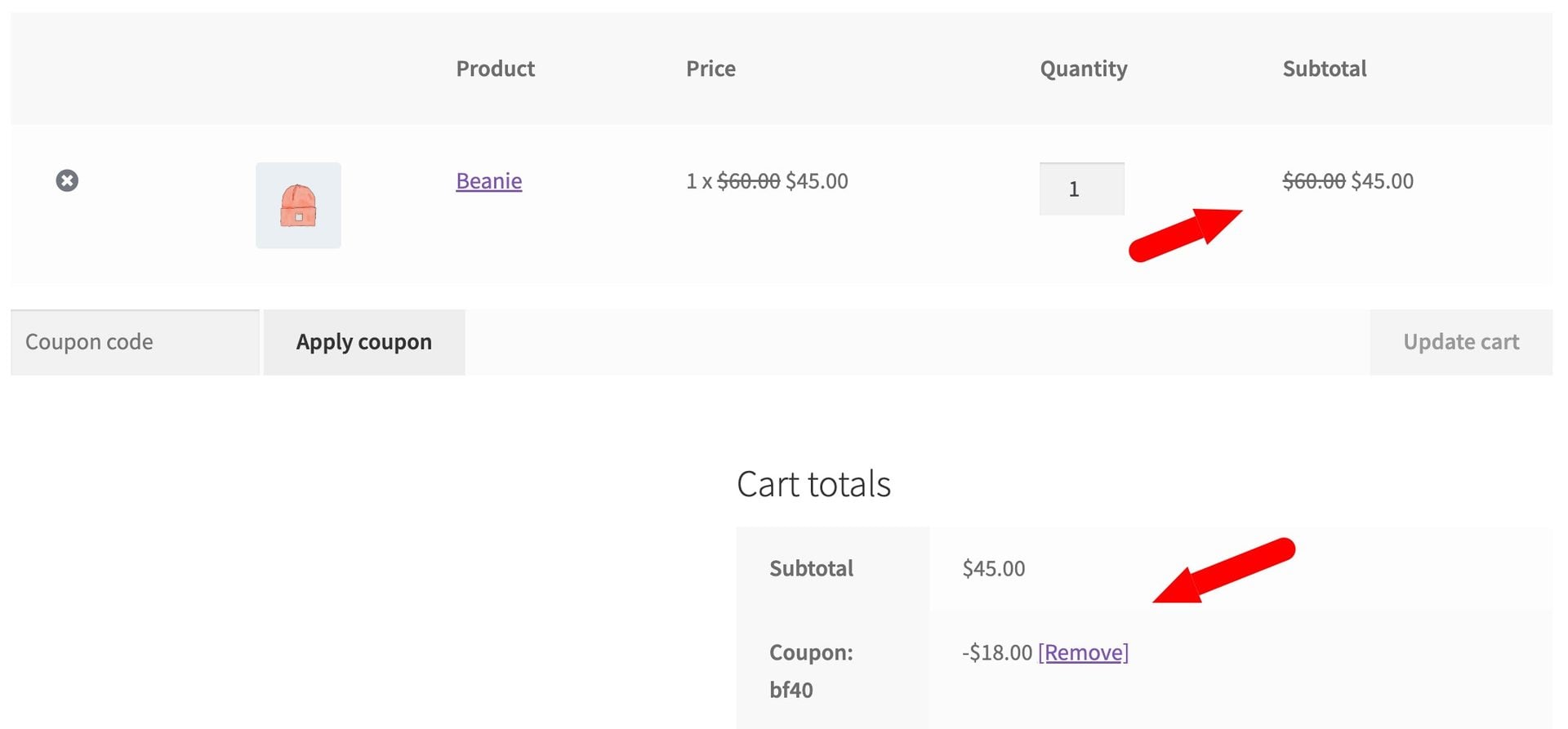
Option #2: Prevent coupons being applied to products with dynamic pricing
The coupon still applies to the cart, but not to products that already have a discount from one of your rules. Products without a rule discount still receive the coupon discount as normal.
For example, if the cart contains a T-shirt with a ‘Buy 2 get 1 free’ rule and a hat with no discount, a 15% off coupon will only reduce the price of the hat. This option works well if you want coupons to stay useful without giving customers a double discount on the same item.
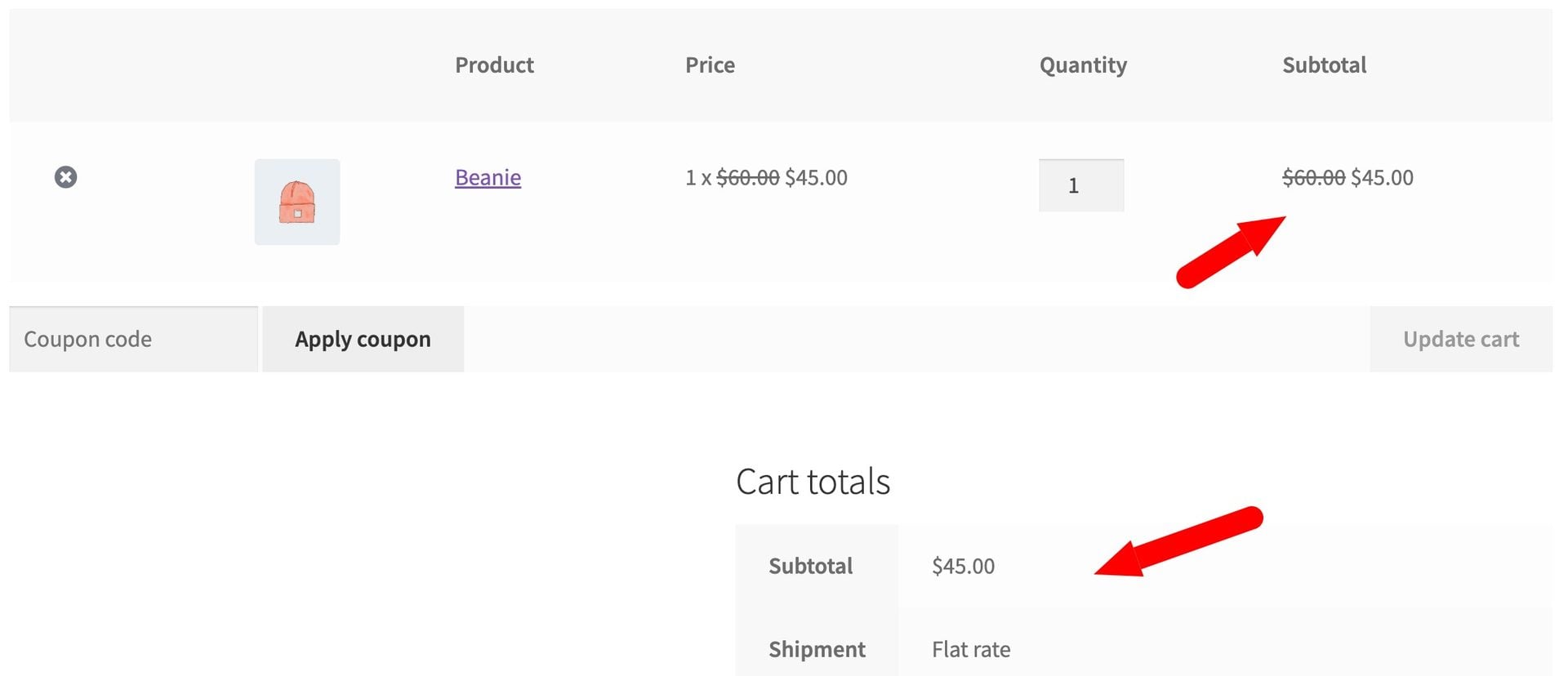
Option #3: Disable discount rules when a coupon is applied
Your discount rules stop applying as soon as the customer applies a coupon. The customer pays the regular price for their products, minus the coupon discount.
This is ideal if your coupons are more generous than your rules, or if you want customers to choose between a coupon and your automatic discounts. If the customer removes the coupon, your discount rules apply again straight away.
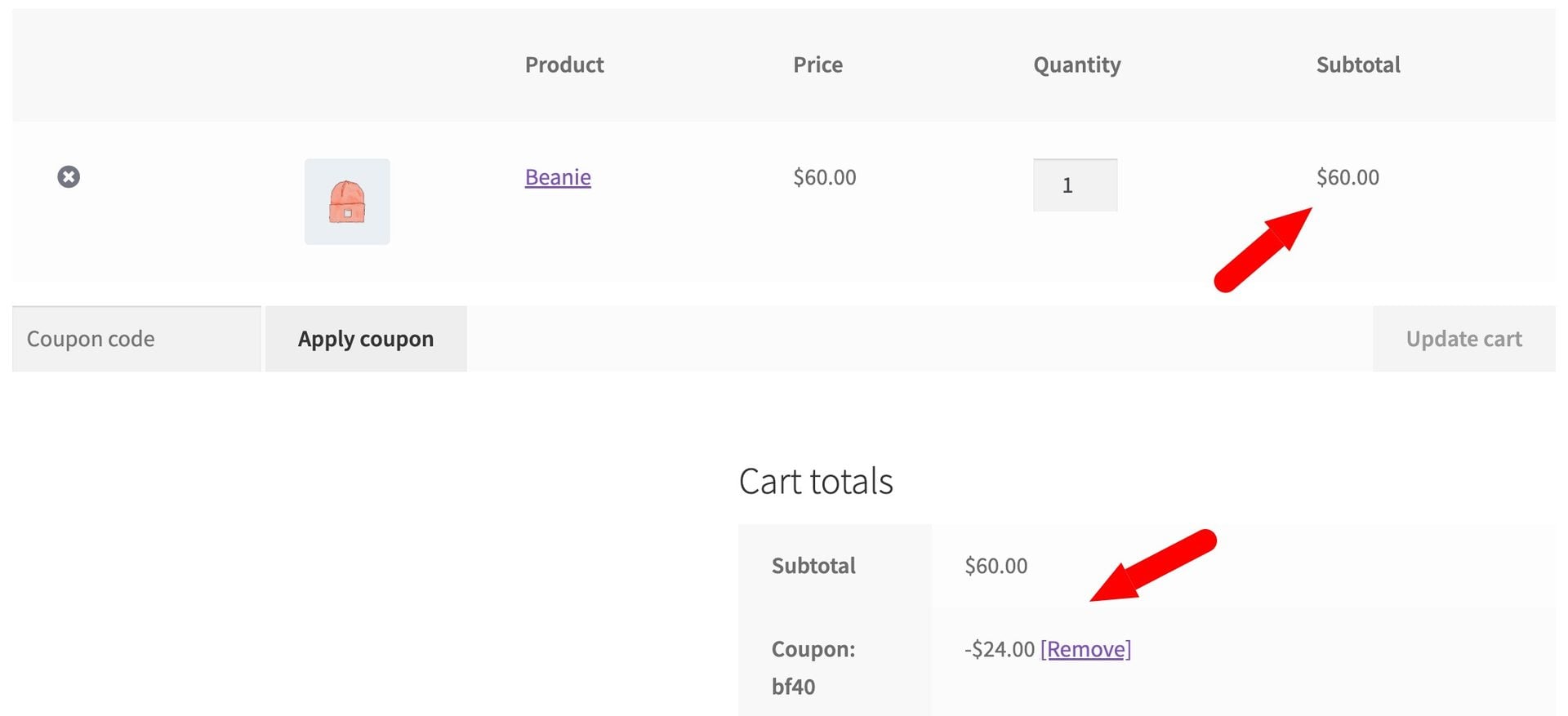
Limit this to specific coupon codes
The ‘Coupon codes’ field appears when you select ‘Disable discount rules when a coupon is applied’. Enter one coupon code per line to choose which coupons switch off your discount rules:
- Leave the field blank to disable discount rules when any coupon is applied
- Enter one or more codes to disable discount rules only when one of these coupons is applied
Codes aren’t case-sensitive, so ‘SUMMER20’ and ‘summer20’ are treated as the same code. For example, you might list your 25% off welcome coupon so it can’t be combined with your bulk discounts, but leave out your free shipping coupon so customers can still use it alongside your rules.
Click ‘Save changes’ when you’re done.
What happens when discount rules are disabled?
Discount rules are disabled across your whole store while the coupon is in the cart, not just on the cart page. This means:
- Product prices go back to their regular price in the cart and checkout
- Shop and product pages show regular prices, so customers see the price they’ll actually pay
- Sale badges, pricing tables and discount notices from your rules are hidden
Some pricing stays in place:
- Rules that only add fees still apply, so customers can’t avoid a fee by entering a coupon. A rule that adds a discount in some tiers and a fee in others counts as a discount rule, so it’s disabled
- User role pricing still applies
- Payment gateway fees and discounts still apply