In WooCommerce Product Add-Ons Ultimate, select box fields are an enhanced version of select fields. Users can still make a single choice selection from a list of options but you can augment those options with thumbnail images. There’s a demo product here.
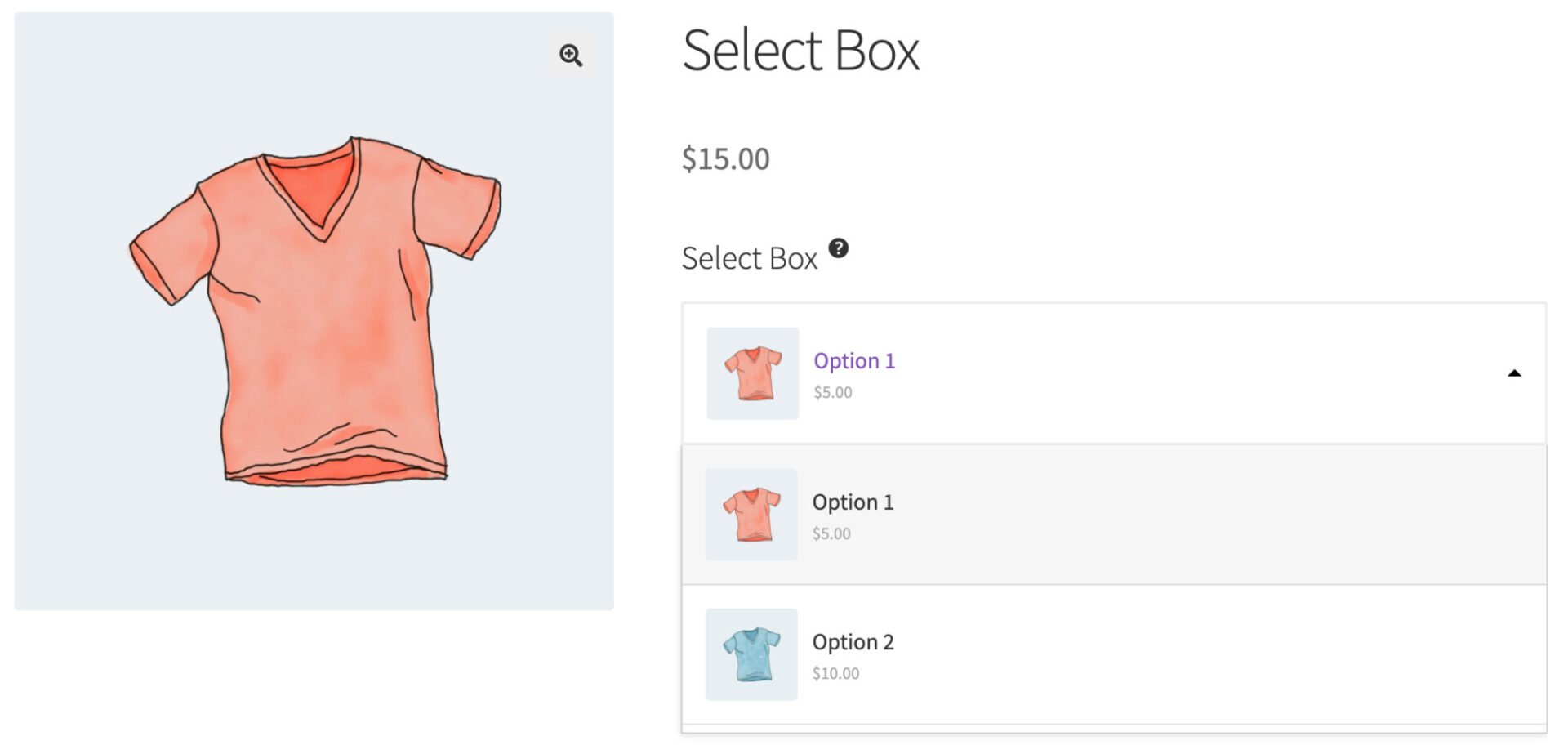
To add a select box field, just choose ‘Select’ from the ‘Field Type’ dropdown list.
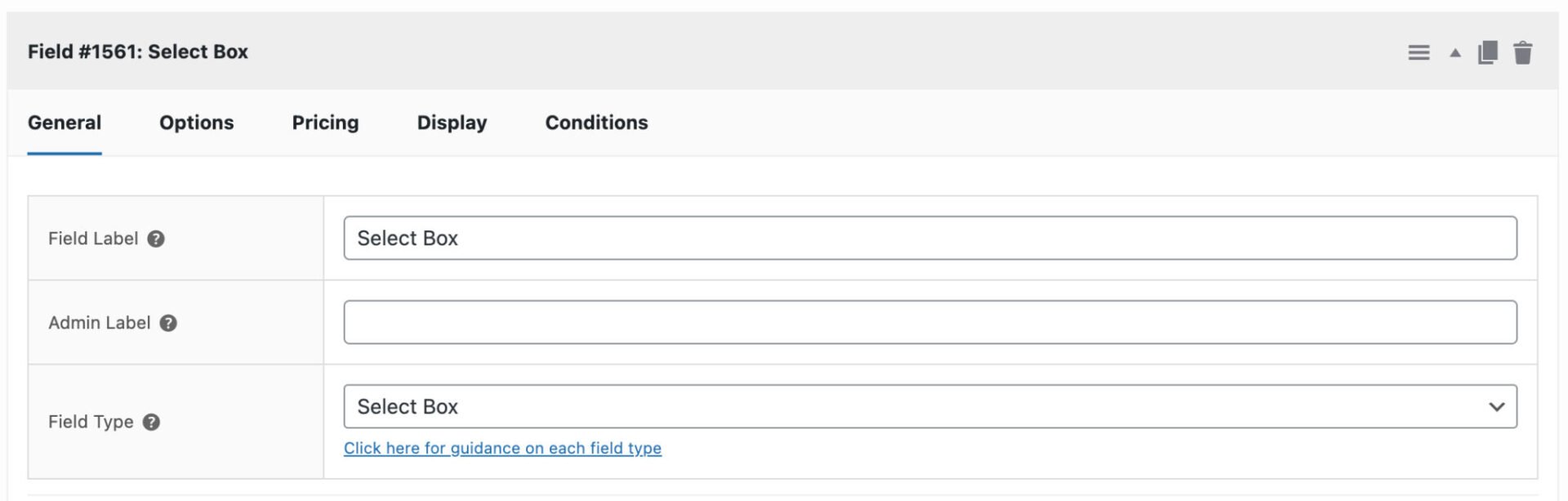
When you choose ‘Select Box’ as the field type, the ‘Options’ tab will appear. Click this to add your options.
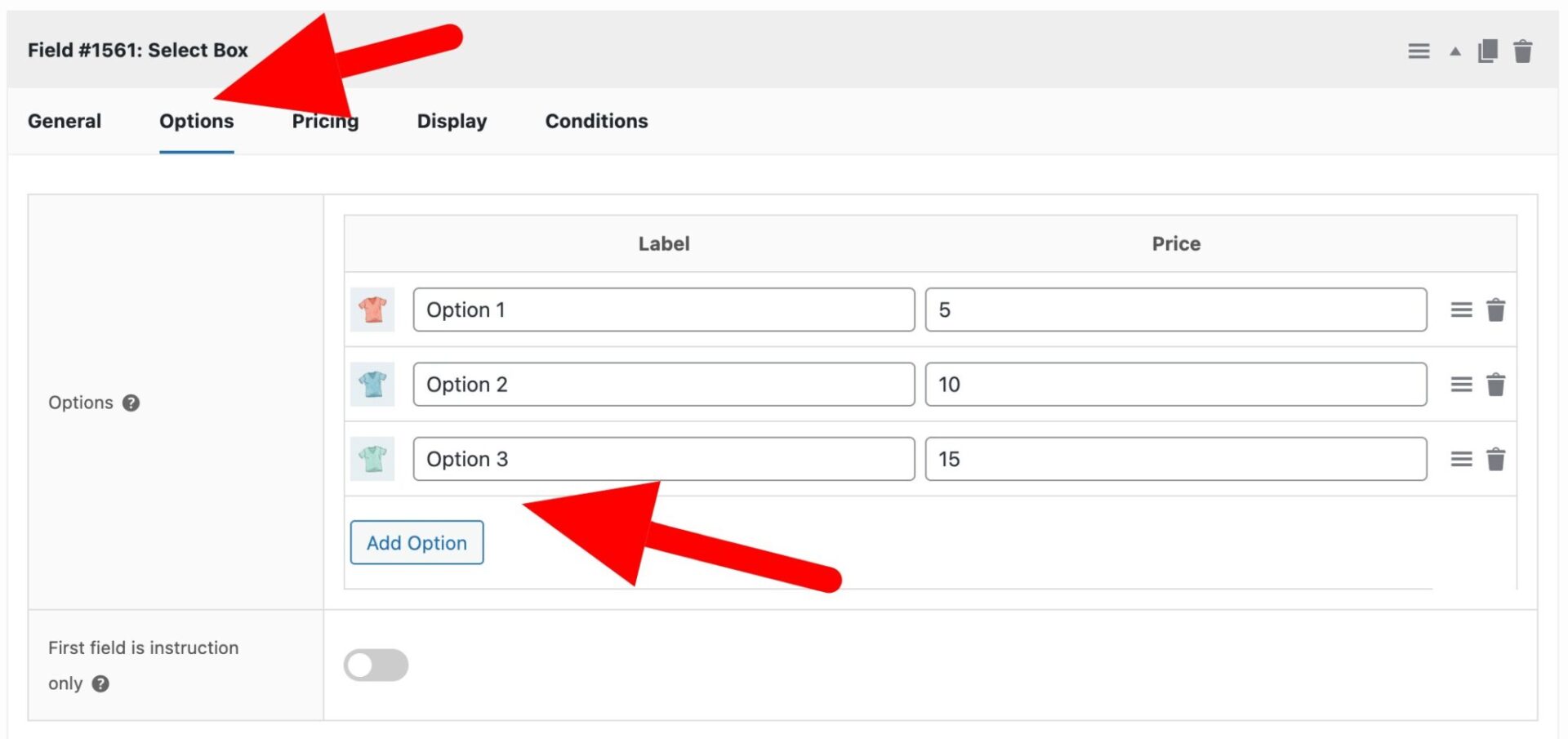
Click the ‘Add Option’ button to add your first option. You can click on the image placeholder on the left of the option row to upload an image. Enter the name of the option in the ‘Label’ column and assign a price, if you wish, in the ‘Price’ column. The price will only be added to the product price if the user selects that option.
First field is instruction only
Select this option if the first option in the select field is an instruction – e.g. ‘Pick an option’.
Dynamically populate options in select box fields
If you have a lot of options, it may be easier to populate their values dynamically. There are several different methods for doing this – either programmatically or through patterns. See this article for more information.