WooCommerce Bookings and Product Add-Ons Bundle
Create the ultimate bookings site in WooCommerce: accept bookings and offer optional extras to users




Pricing
Yearly licenses renew annually - cancel anytime
Lifetime licenses are a one-time payment
Single
$129 + VAT *
Use on a single siteUse this plugin on one production site
Renews annuallyThis plugin will automatically renew every year. If you cancel it, you can continue to use the plugin but will not receive support or updates
14 day money back guaranteeIf the plugin isn't what you want, just drop us a line within 14 days for a full refund
Pro
$189 + VAT *
Use on up to 5 sitesUse this plugin on up to 5 sites
Renews annuallyThis plugin will automatically renew every year. If you cancel it, you can continue to use the plugin but will not receive support or updates
14 day money back guaranteeIf the plugin isn't what you want, just drop us a line within 14 days for a full refund
Free set-upDrop us an email after your purchase with the details of a product you'd like to set up and we'll do it for you - free of charge
Agency
$599 + VAT *
Use on up to 25 sitesUse this plugin on up to 25 sites
Renews annuallyThis plugin will automatically renew every year. If you cancel it, you can continue to use the plugin but will not receive support or updates
14 day money back guaranteeIf the plugin isn't what you want, just drop us a line within 14 days for a full refund
Free set-upDrop us an email after your purchase with the details of a product you'd like to set up and we'll do it for you - free of charge
Single
$319 + VAT *
Use on a single siteUse this plugin on one production site
One-time paymentThis is a single one-time charge. You'll receive support and updates for the lifetime of the product
14 day money back guaranteeIf the plugin isn't what you want, just drop us a line within 14 days for a full refund
Pro
$479 + VAT *
Use on up to 5 sitesUse this plugin on up to 5 sites
One-time paymentThis is a single one-time charge. You'll receive support and updates for the lifetime of the product
14 day money back guaranteeIf the plugin isn't what you want, just drop us a line within 14 days for a full refund
Free set-upDrop us an email after your purchase with the details of a product you'd like to set up and we'll do it for you - free of charge
Agency
$1499 + VAT *
Use on up to 25 sitesUse this plugin on up to 25 sites
One-time paymentThis is a single one-time charge. You'll receive support and updates for the lifetime of the product
14 day money back guaranteeIf the plugin isn't what you want, just drop us a line within 14 days for a full refund
Free set-upDrop us an email after your purchase with the details of a product you'd like to set up and we'll do it for you - free of charge
All prices are in US Dollars.
A full refund if you're not happy
I built this plugin myself and my team and I are available to support you personally. We want you to be 100% satisfied with your purchase so if, for any reason, this plugin doesn't meet your expectations over the next 14 days, let us know and we'll give you a full refund.

A complete suite of tools for your bookings site
Combine two of our most popular plugins and start accepting bookings online
All the power of our Bookings for WooCommerce plugin
- Create bookable products in WooCommerce
- Automatically calculate the cost of the booking
- Set available quantity for each product
- Sync with ical including Airbnb, Booking.com, VRBO
Plus the power of Product Add-Ons Ultimate
- Offer upsells on your bookable products with extra product options
- Charge upsells by by booking unit - e.g. hour or day - or as a flat fee
- Advanced features like conditional logic
- Over 20 different extra field types
Work together seamlessly
- Plugins are fully compatible
- Create rental bundles with multiple bookable products in a single package
- Highly customizable and extendable
- Perfect for coders and non-coders alike
What's in this bundle?
This bundle includes the following two plugins
WooCommerce Product Add-Ons Ultimate
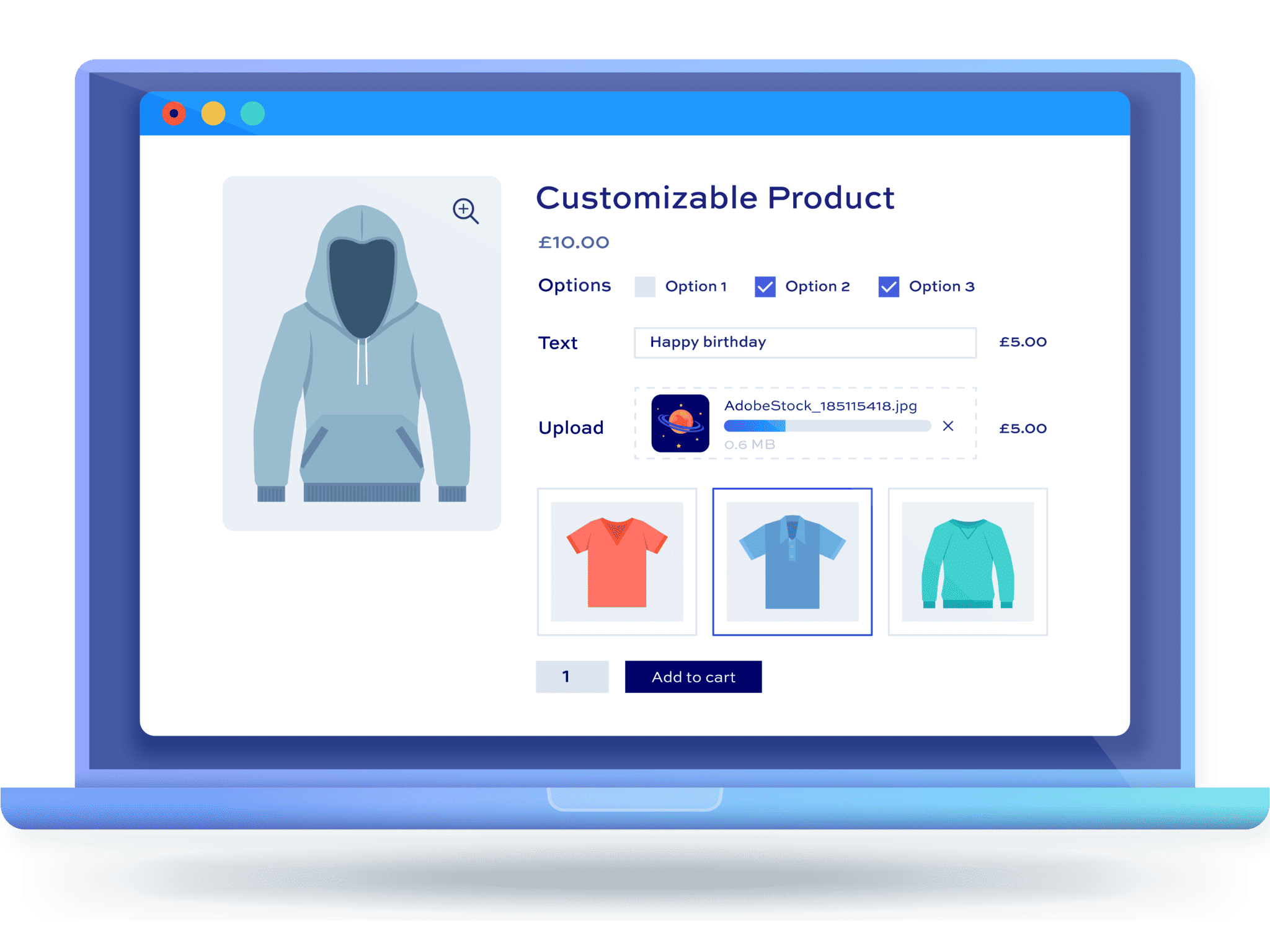
Create unique shopping experiences by allowing customers to personalize products with extra options. Read more
Bookings for WooCommerce
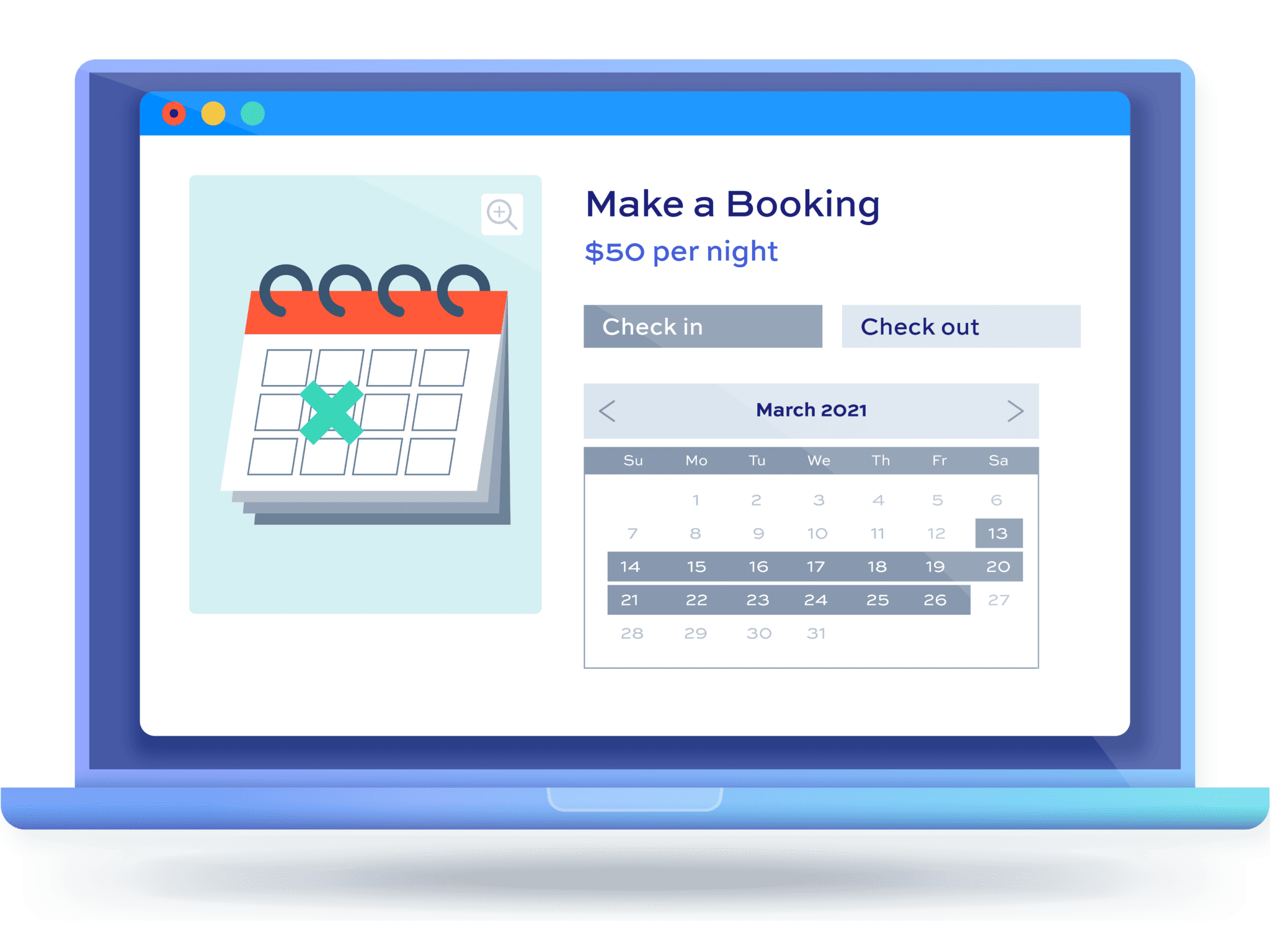
Sell time and date-based bookings for rentals and bookable products in WooCommerce. Read more
Use cases
Examples of what you can create using the plugins in this bundle
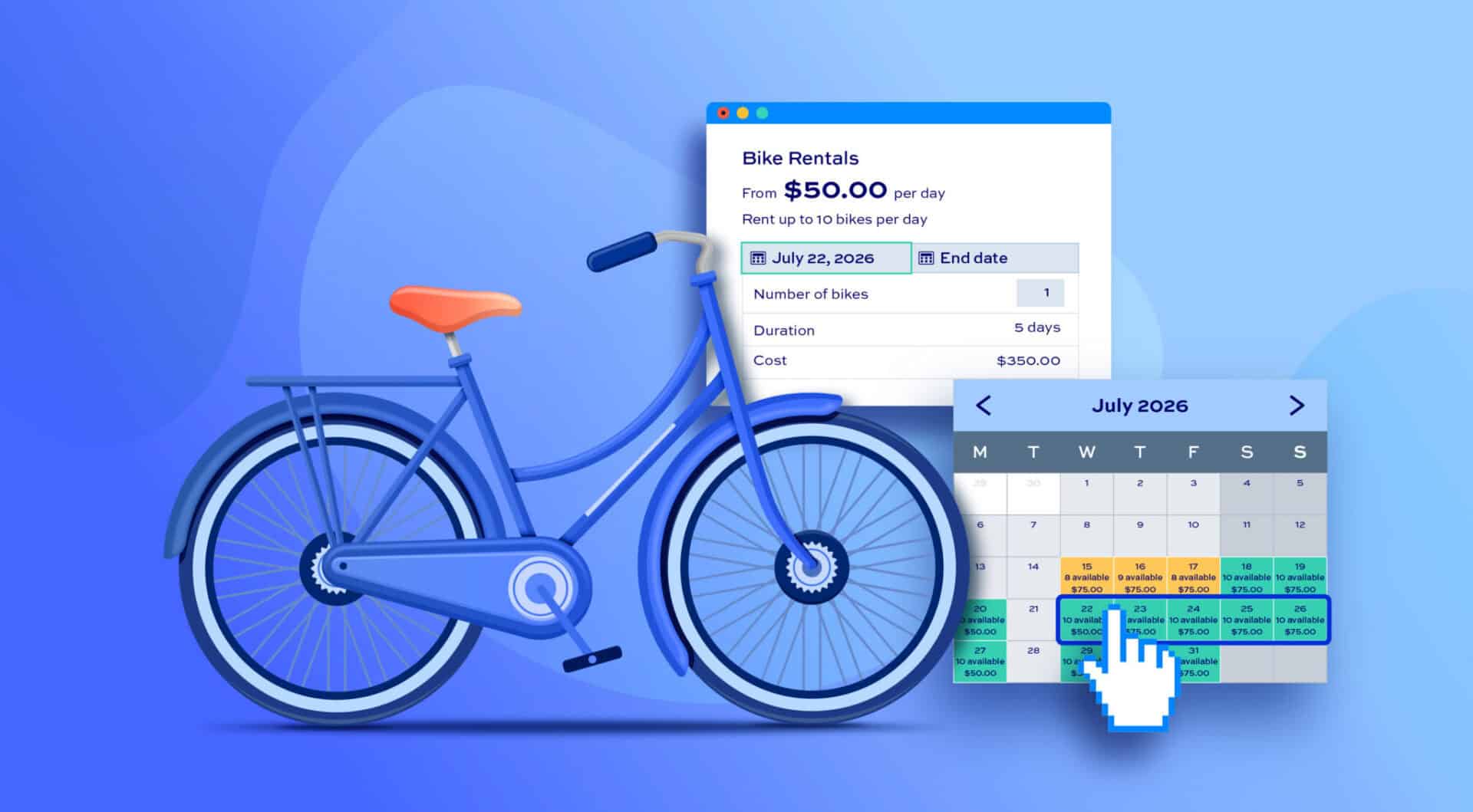
Create a bike rental store 

Rent bikes out by the hour, day, week and offer upsells like bike helmets, seats and trailers
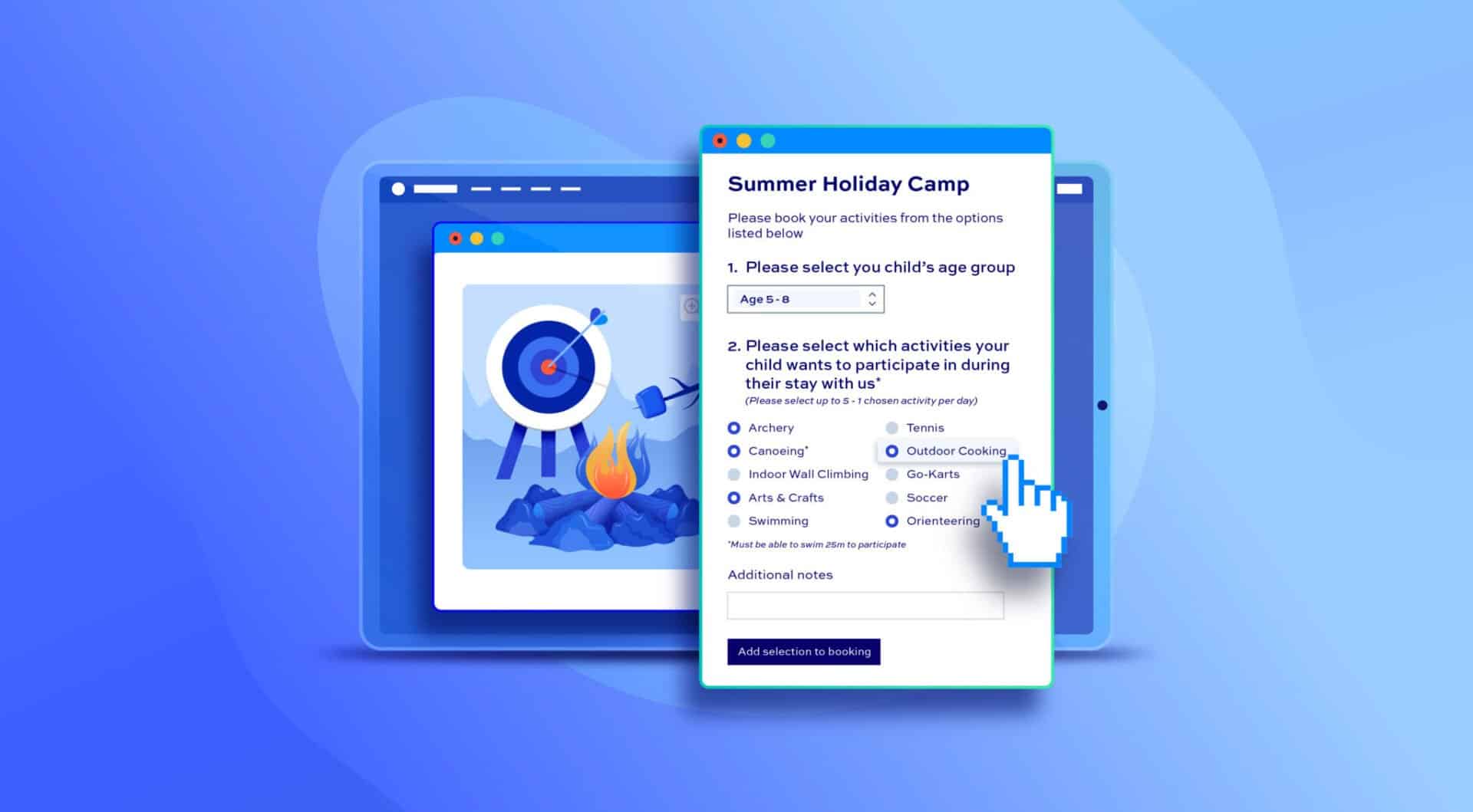
Sell sports, activities and holiday camps
Create single products pages for parents to book multiple activities and sessions
Accept bookings for wine-tastings and other events
Let your customers book their wine-tasting sessions online and offer them upsells like tours and snacks
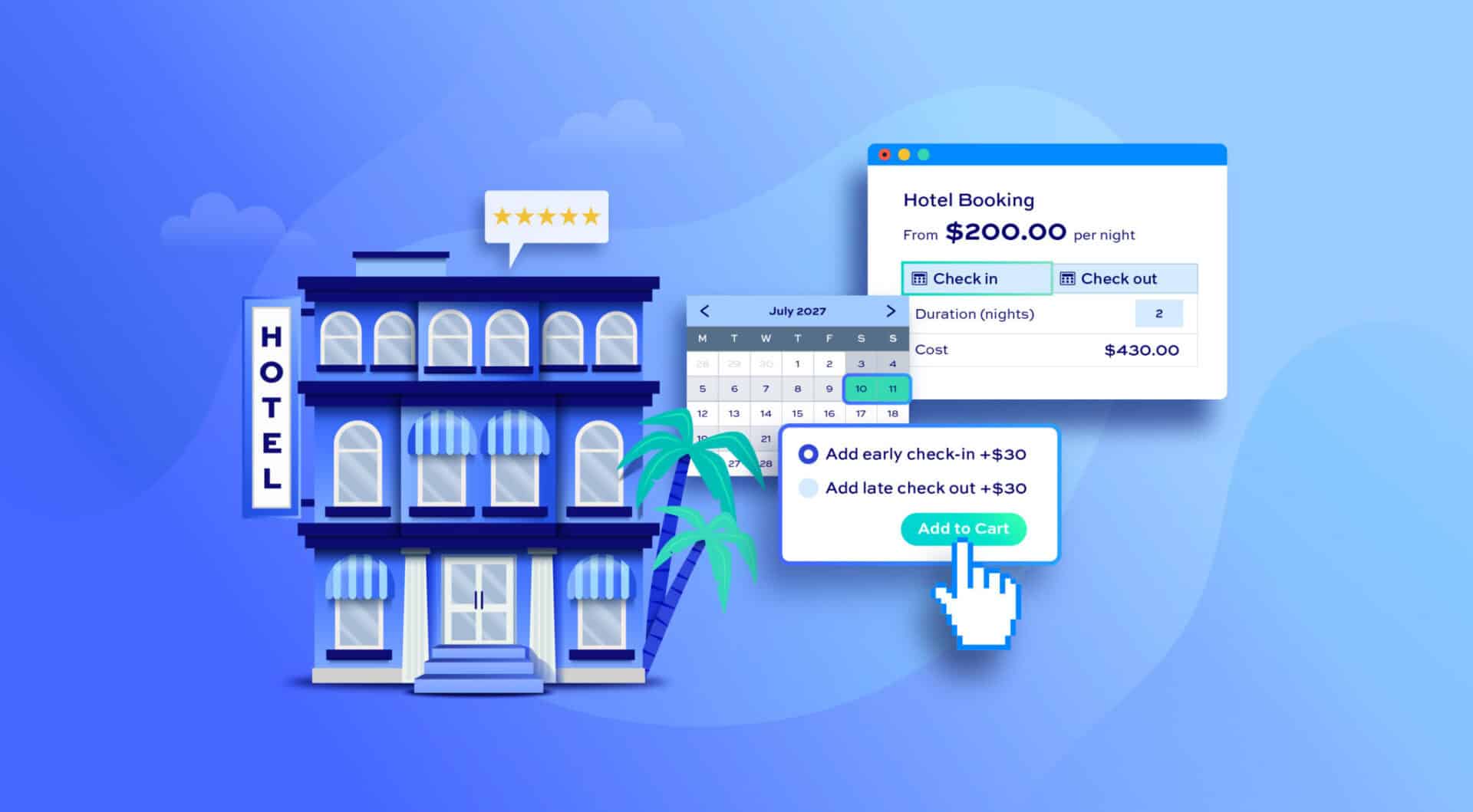
Take bookings for your hotel and accommodation
Accept online bookings for accommodation and offer upsells and accept security deposits
What our customers say
See more reviews View us on Trustpilot
Our products are featured on

FAQs
How do I know if I need this bundle?
The Bookings and Product Add-Ons Ultimate Bundle contains two plugins: Bookings for WooCommerce and WooCommerce Product Add-Ons Ultimate.
Bookings for WooCommerce turns any product into something customers book rather than simply buy. It handles daily, overnight, weekly, and time-based bookings, calculates the total cost automatically as customers pick their dates or time slots, sets available quantity per product to prevent double-bookings, and syncs with iCal services like Airbnb, Booking.com, and VRBO.
Product Add-Ons Ultimate turns any product into something customers can personalize. It adds over 20 field types - text boxes, dropdowns, checkboxes, image swatches, file uploads, calculation fields, and more - each of which can carry its own price, so customers can customize what they're ordering and pay accordingly. It works with any WooCommerce product type, not just bookings.
Using them together means you can offer simple extra option with your bookable products: for example, a customer making a booking or a rental also wants to add insurance, extra guests or equipment. Product Add-Ons Ultimate allows you to do that.
Additionally, using Add-Ons Ultimate and Bookings for WooCommerce together means you can also add bookable products as options to other bookable products. So you can hire multiple bookable products out from the same page or you can create 'rental bundles' where the user can book several products together.
For example, with both plugins working together, you can:
- Make bookable products resources - so they're only ever booked as part of another product, e.g. individual sessions in a multi-session camp
- Allocate staff members as resources to bookings - e.g. allow customers to book a hairdresser
- Offer options as upsells - e.g. bike rentals with helmets or child seats, party equipment with optional warranties for breakages
- Offer other bookable products as add-on options, each with their own independent calendar - e.g. a customer booking a campsite pitch can also add an on-site kayak rental, and the kayak won't be offered if it's already booked out on the required dates
- Bundle several bookable items into a single rentable package with the 'Rental bundle' setting - e.g. a photography studio bundle of a backdrop, light and reflector, all booked and charged together as one package
If you're only ever going to sell simple, non-bookable products with extra options, Product Add-Ons Ultimate alone will do. If you just need calendar-based bookings with no customization, Bookings for WooCommerce alone will do. If you need both together, that's exactly what this bundle is for.
What kind of products can I make with the bundle?
You can make any kind of product where customers book a date, night, week or time slot - and they might also want to add extras or personalize their order. That could include accommodation (hotels, B&Bs, holiday lets, serviced apartments), equipment and vehicle rental (bikes, cars, campervans, surfboards), appointments and classes (yoga sessions, escape rooms, wine tastings) and multi-session events (sports camps, courses).
A few concrete examples:
- A bike rental store where customers hire by the hour or day and add helmets or trailers as upsells
- An escape room booking system with per-player pricing and a security deposit
- A holiday camp product where parents pick individual sessions or book the whole week at a discount
- Accommodation bookings that collect a security deposit and offer extras like breakfast or airport transfers.
Because Bookings for WooCommerce handles the calendar or time-slot side and Product Add-Ons Ultimate handles the extras and personalization, the same building blocks apply whether you're renting out equipment, taking appointments or selling multi-day experiences.
Do I need to configure anything to make the two plugins work together?
No. Once both plugins are installed and activated, the Product Add-Ons Ultimate options appear directly on the 'Product data' tab of any bookable product you create with Bookings for WooCommerce.
There's no separate integration setting or add-on to enable. The two plugins are built to work together out of the box.
Can I charge for add-ons per booking unit, like per night or per hour, instead of a flat fee?
Yes. Bookings for WooCommerce includes a 'Price per booking unit' setting, which multiplies an add-on field's price by the number of nights, days, or hours booked.
This means a $10 add-on for a 3-night booking is automatically charged at $30, rather than a single flat $10. You can switch this off for any add-on where a flat, one-off fee makes more sense - like a cleaning fee or a one-time setup charge.
Can I use calculation fields for the total cost of the booking?
Yes. Product Add-Ons Ultimate's calculation fields can reference calculated_booking_cost (the total cost of the booking), num_units_int (the number of booking units selected, e.g. nights or weeks), and num_bookings (the quantity selected).
This lets you build formulas where an add-on's price scales with the value or length of the booking, rather than being a fixed amount - for example, a security deposit set as a percentage of the total booking cost.
Can I offer one bookable product as an add-on option on another?
Yes. Bookable products can be added as 'child products' using a Products field, so customers can add a related booking to their order from the same product page.
This is ideal for optional extras - for example, a customer booking a bike can also add a helmet rental, or a customer booking a campsite pitch also add an on-site kayak rental, all as a single order.
Each item still has its own independent availability calendar, so if the extra is already booked out on the chosen dates, it won't be available to select.
Can I bundle several bookable items together so they’re always booked as one package?
Yes, you can use the dedicated 'Rental bundle' setting. You create each item as a bookable product then create a bundle product listing those items as child products.
Enabling 'Rental bundle' on that field automatically blocks the bundle's calendar (or time-slot picker) on any date when any single item is already booked, pre-selects every item in the booking form, and adds them all to the cart together in one action - so customers can never book a partial package.
Alternatively, you can choose let customers pick specific items within the bundle and choose how many of each they want.
Try our plugins risk free with our 14 day money back guarantee.