1. Home
  2. Knowledge Base
  3. Text Preview for Add-Ons Ultimate
  4. Advanced Topics for Text Preview
  5. Apply custom class to text preview layer
  1. Home
  2. Knowledge Base
  3. Text Preview for Add-Ons Ultimate
  4. Apply custom class to text preview layer

Apply custom class to text preview layer

The Text Preview plugin can apply a custom class to the text preview layer based on the ‘Field Class’ setting in Add-Ons Ultimate.

To add a custom class to an add-on field, enter the class name in the ‘Field Class’ setting:
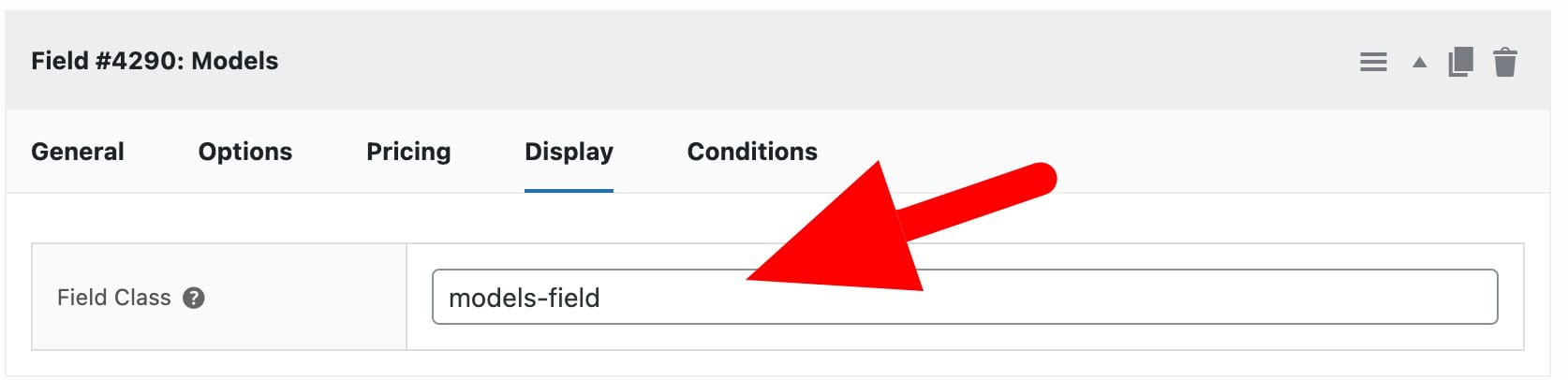
Custom field class setting for product add-ons

This class will then be applied to the text preview layer with the apaou- prefix. So a custom field class called models-field will be added to the text preview layer as apaou-models-field.
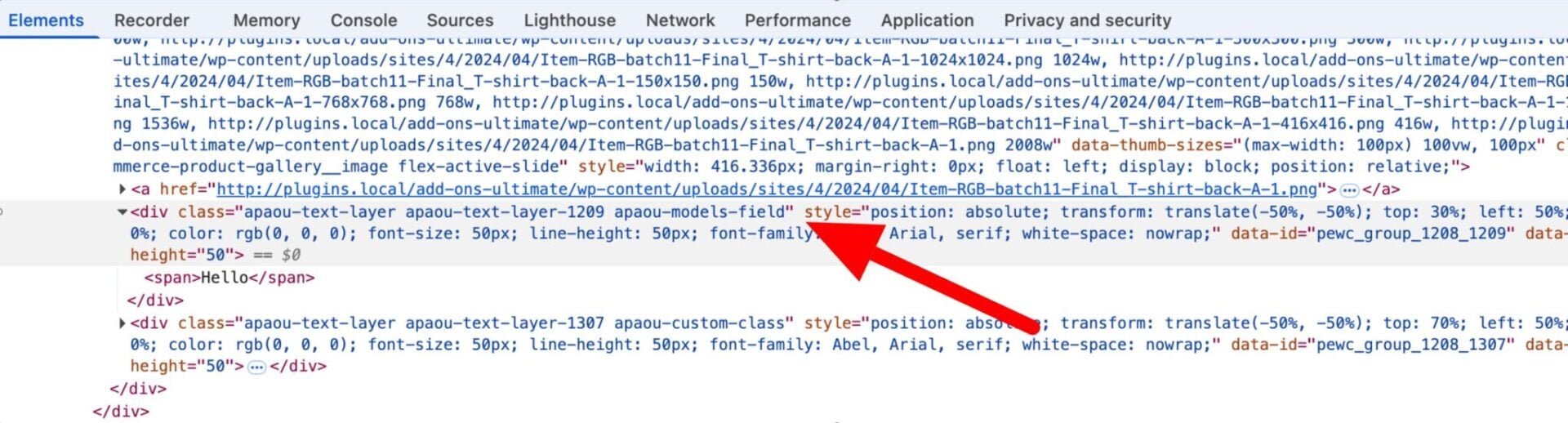
Setting text preview custom field class x.jpg

Was this article helpful?

Related Articles